System settings window
The System Settings window can be opened by pressing the  button on the main panel.
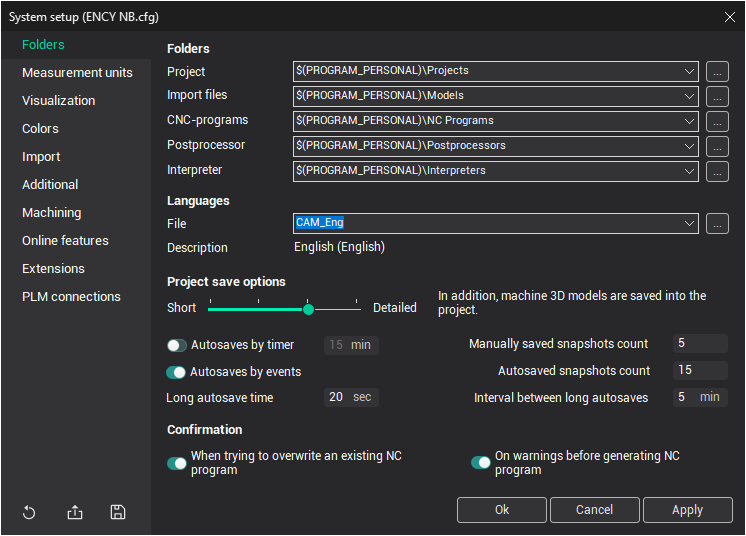
All default parameters are saved in a .cfg file. User-defined parameters can be saved or loaded using the buttons on the right-hand side of the window. Users can create as many configuration files as needed.
Buttons in the System setup window:
 Save defaults: Saves the settings into a user-defined configuration file and closes the window. The saved file becomes the current configuration, and the settings are applied for the current session.
 Load saved defaults: Loads settings from the selected configuration file and makes them the current settings. The loaded file will be used as the default in the next launch.
 Default settings: Resets all user-defined settings back to their default values.
- OK: Saves the settings into the current configuration file, applies them for the current session, and ensures they are applied in future sessions. Closes the window.
- Cancel: Closes the window and discards any changes made.
- Apply: Applies the new parameters for the current session only, without saving them for future sessions.
If, when launching the CAM system, the current configuration file is missing, a new configuration file will be created automatically, and all system settings will be reset to their default values.