Leads for сladding operations
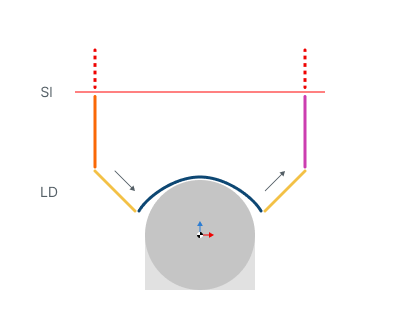
Sl - Safe level
LD - Leads
Application Area:
Allows you to add additional engage and retract to the working moves using their feed.
Engage.
Click here to expand..
Off. The Engage and Retract toolpath parts is not generated.
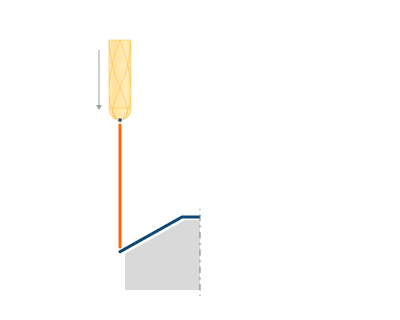
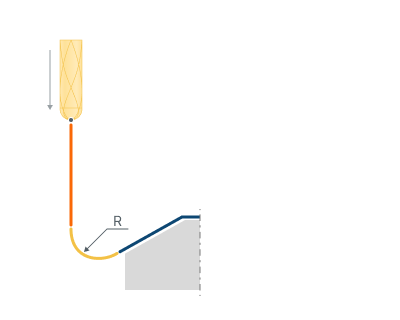
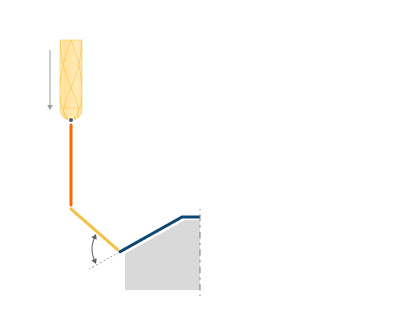
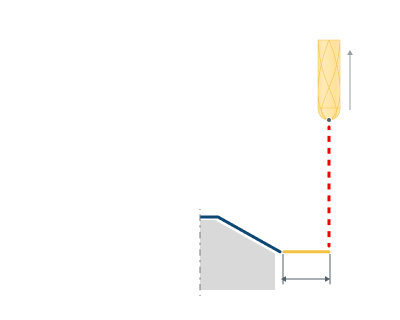
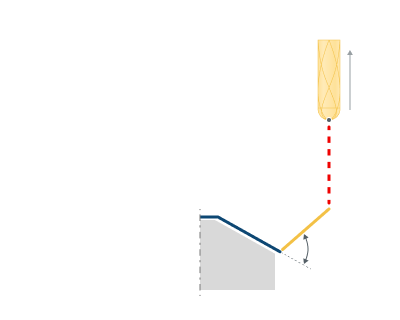
By Line. The engage is performed by angle to vertical to the first machining point
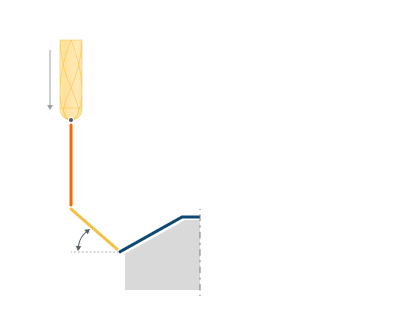
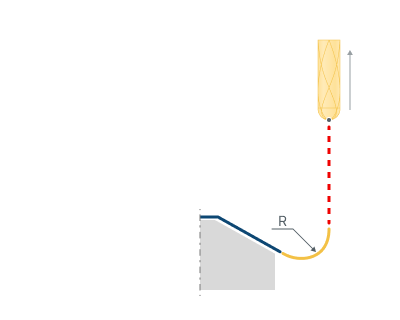
By Arc. The system adds an arc to the first point on the curve using the defined radius. The arc angle is constructed from the tangent of the work pass.
).png)
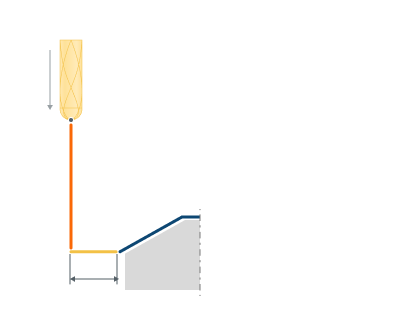
Length (Radius). Changes the length
Angle. Changes the vertical angle
Retract.
Click here to expand..
Off. The Engage and Retract toolpath parts is not generated.
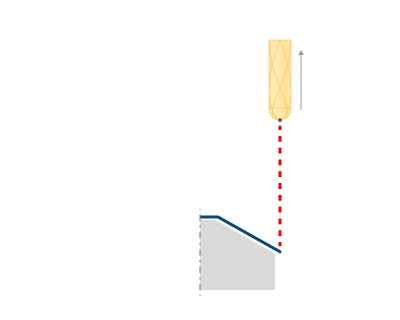
By Line. The retract is performed by angle to vertical to the last machining point
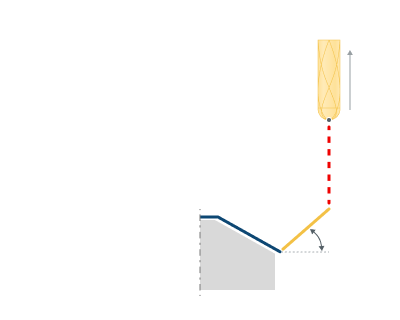
By Arc. The system adds an arc to the last point on the curve using the defined radius. The arc angle is constructed from the tangent of the work pass.
).png)
Length (Radius). Changes the length
Angle. Changes the vertical angle
Use leads for.
Click here to expand..
Long links. Leads is used only on the Long links.
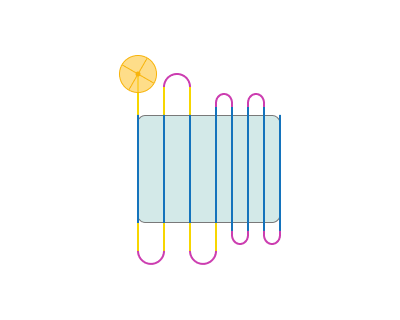
Long and Short links. Leads is used on both Long and Short links.

Overlaps.
Click here to expand..
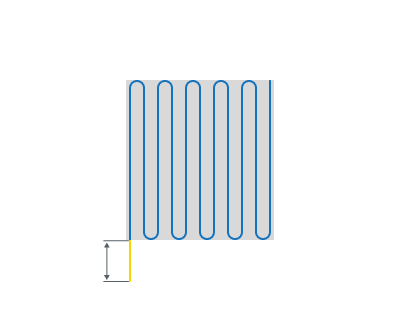
Entry overlap. Allows you to set an overlap at the beginning.
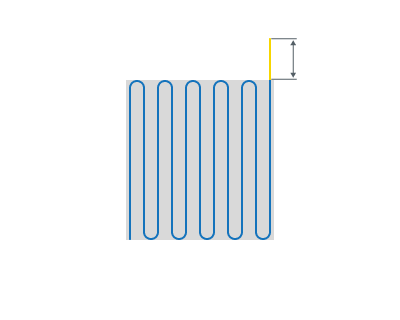
Exit overlap. Allows you to set an overlap at the end.
Use leads for short links. Enable: When enabled leads are added to all links, including the short ones.
Disable: When disabled leads are added only to long links and entry/exit inks.

