Extract isolines
Application area:
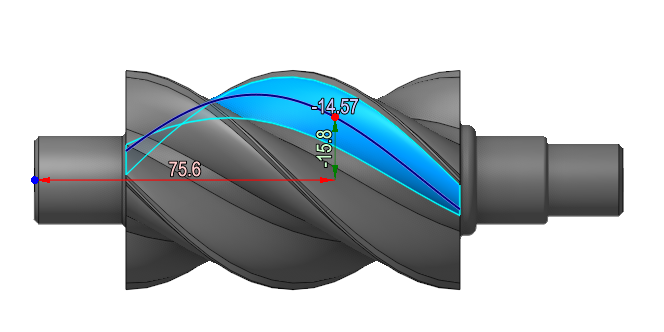
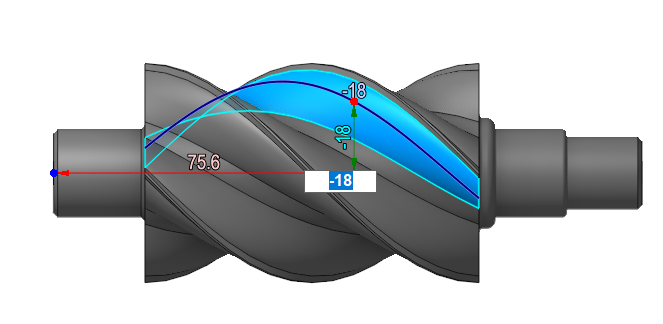
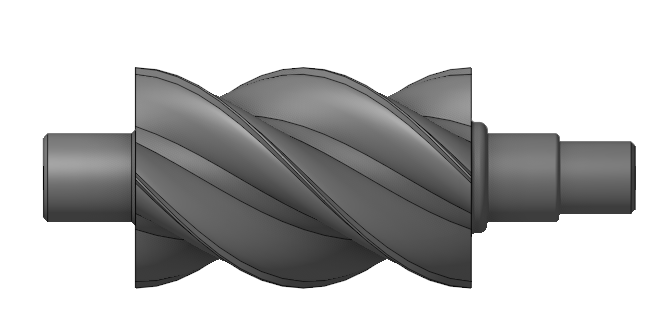
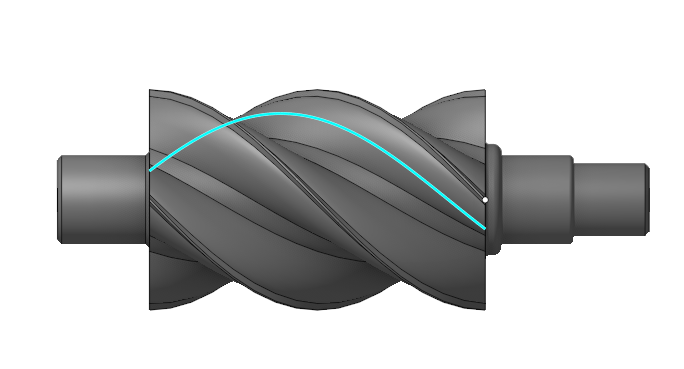
The Extract Isolines tool extracts isolines from a surface. It activates after selecting a face on the Model tab. The editing panel lets you create a spline, change the isoline direction, or split the face. Use the Measure tool for precise spline positioning.
 to form a spline from the isoline.
 to change a isoline direction.
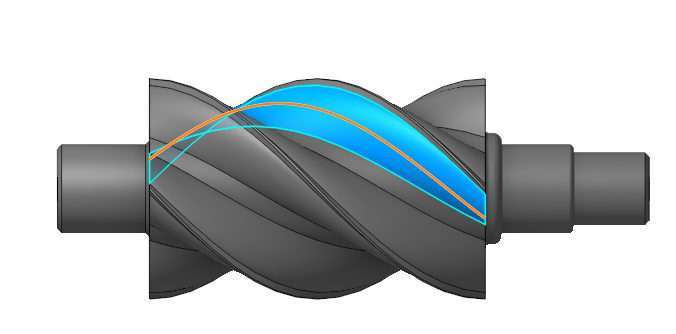
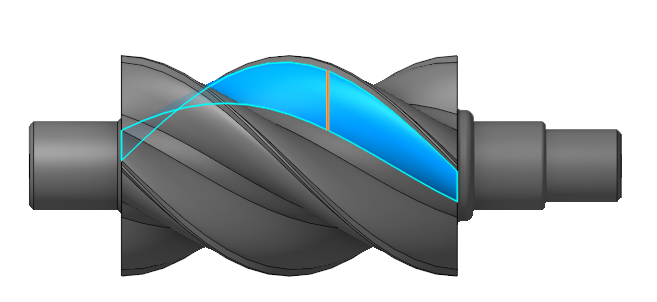
 split one face into two, with or without preserving the common (not split) face
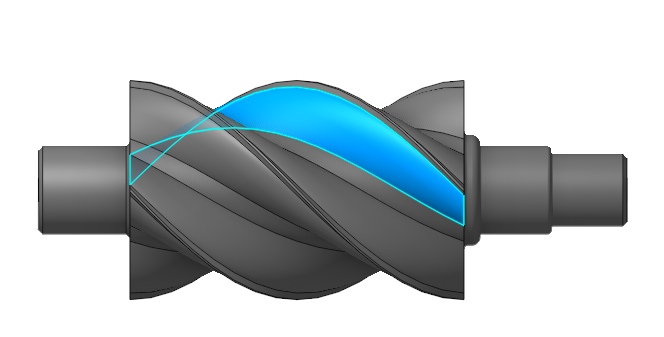
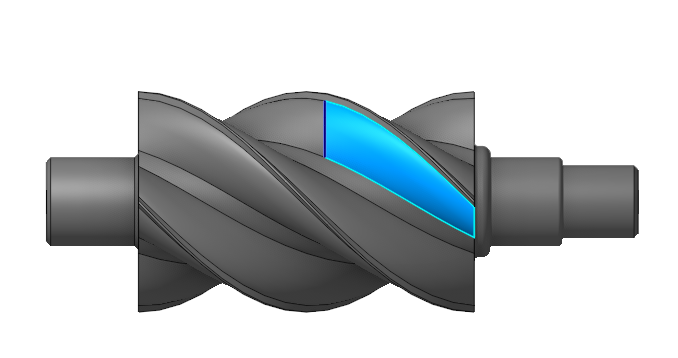
- Use the Measure tool to accurately define a spline. You can move the point to any location on the part to bind it to a specific position. Once the endpoint is anchored, you can modify the spline's position.
.