Planar slicing
Application area:
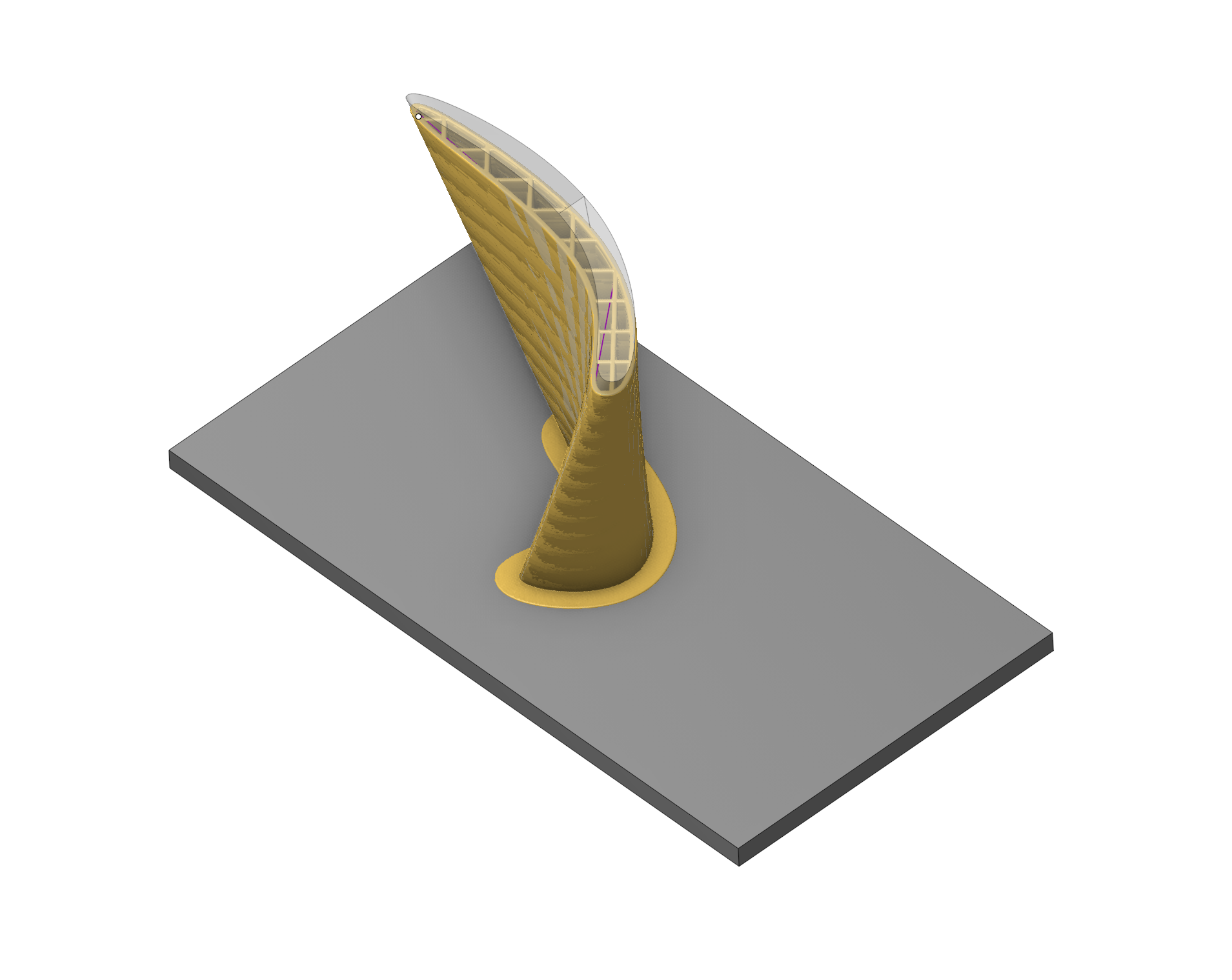
The new operation allows for 3D printing. The trajectory is built based on Ultimaker Cura's calculations.
Setup:
The Setup tab is used to configure the primary parameters of the project. This can involve the positioning of the part on the equipment, the coordinate system of the part, and more. Details
Job assignment:
Faces. Select various surfaces of the part as the working task. The system will calculate the trajectory based on the chosen surfaces.
Properties. Displays the properties of an element. It is possible to add the stock. You can also call this menu by double clicking on an item in the list.
Delete. Removes an item from the list
Strategy:
Auto tool parameterization.
Automatic change of tool parameters (Diameter, Working Length) based on Cura parameters
General.
List of parameters for presetting
Click here to expand..
Manufacturer. Brands of printers
Printers. List of printers of the selected brand
Extruders. List of extruders of the selected printer
Material brand. Brands of materials
Materials. List of materials of the material brand
Variants. The variant, in case of the extruder, hold settings that have to do with nozzle size or specific settings that relate to this
Profiles. Intent profiles contain settings that modify the quality by giving them an intent. These profiles depend on the material, variant and quality/resolution.
Resolutions. Quality profiles hold the resolution of the print by setting the layer height.
Show custom parameters. Customizing print settings. Custom mode offers more settings for experienced users. Can be basic. advanced, expert, all.
Other parameters required to use Cura functionality are described in the help. See more
Transformations:
Parameter's kit of operation, which allow to execute converting of coordinates for calculated within operation the trajectory of the tool. Details
Part:
A Part is a group of geometrical elements that defines the space to check for gouges. Details
Workpiece:
A workpiece model of an operation defines the material to be machined. Details
Fixtures:
As the Fixtures the fixing aids such as chucks, grips, clamps, etc., and the restriction areas of any other nature are usually specified. Details
Installation:
The operation is supplied as the Extension for Planar slicing operation based on Cura extension. To install it:
- On the Home page, open the Extension Store tab and go to the Store page.
- Find Extension for Planar slicing operation based on Cura and click Install.
- The operation appears in the Additive group of the new operation window. If it does not, restart the CAM system.
You can also install the extension from the web storefront apps.encycam.com. Details