Creating hole pattern
Application Area:
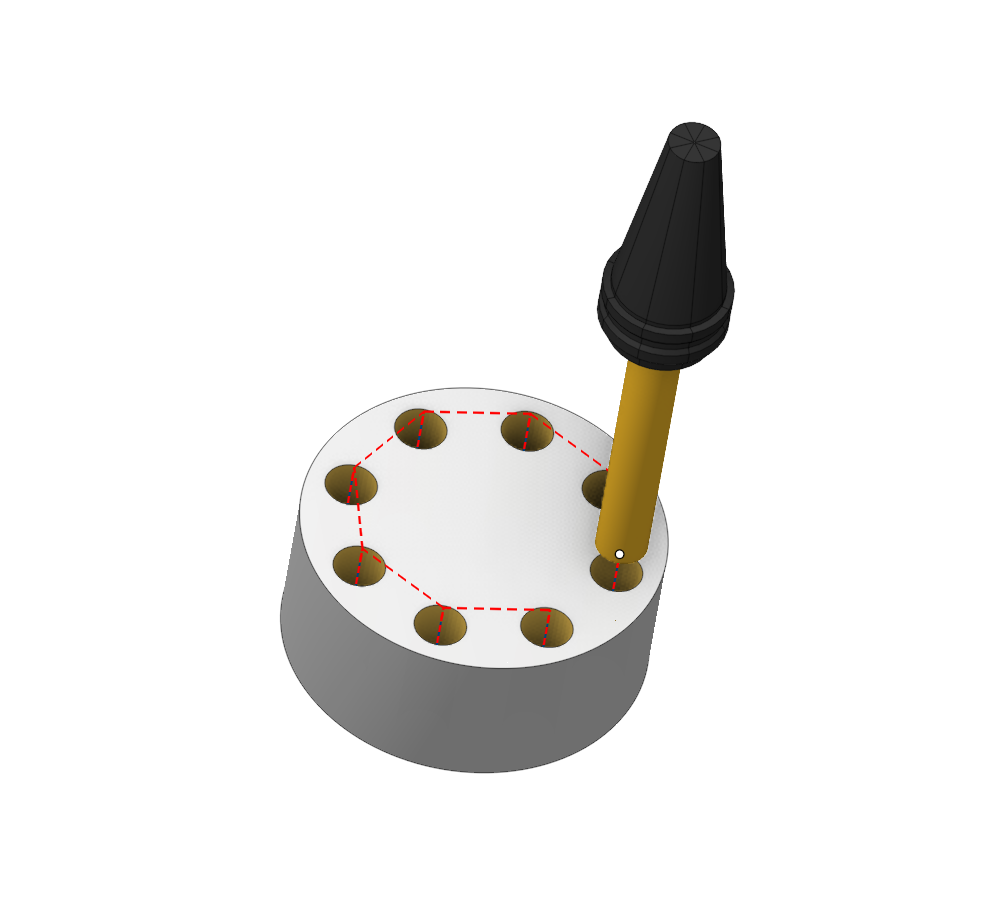
In the CAM system, it is possible to set various types of hole templates. It is not necessary for a template to have a geometric construction of the hole.
Pattern types
Using certain rules, you can define the following templates:
- Linear
- Circular
- Angular
- Concentric
- Parallelogram
The system uses five types of pattern: Linear, Circular, Angular, Concentric and Parallelogram.
Linear
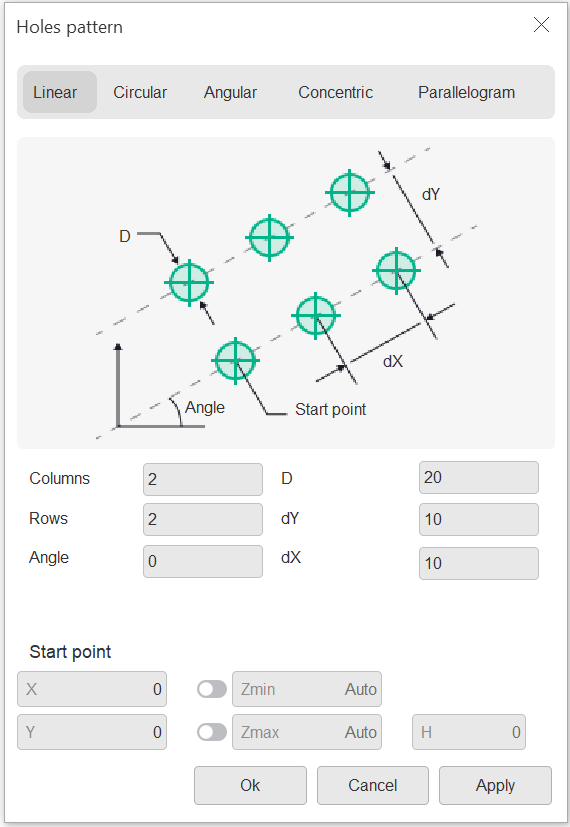
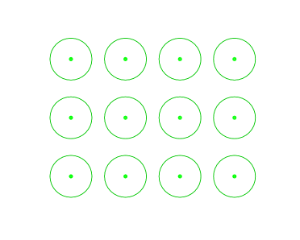
On the Linear page user can create linear holes pattern:
Circular
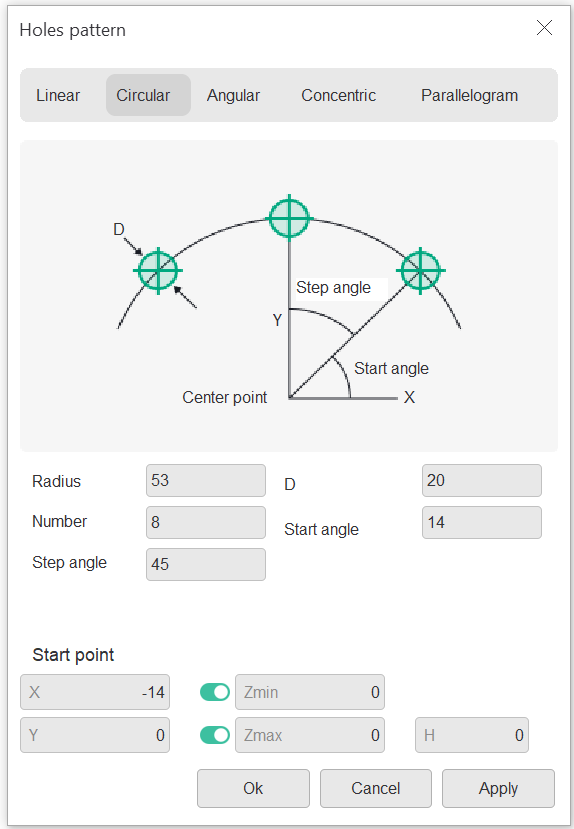
On the Circular page user can create circular holes pattern:

Angular
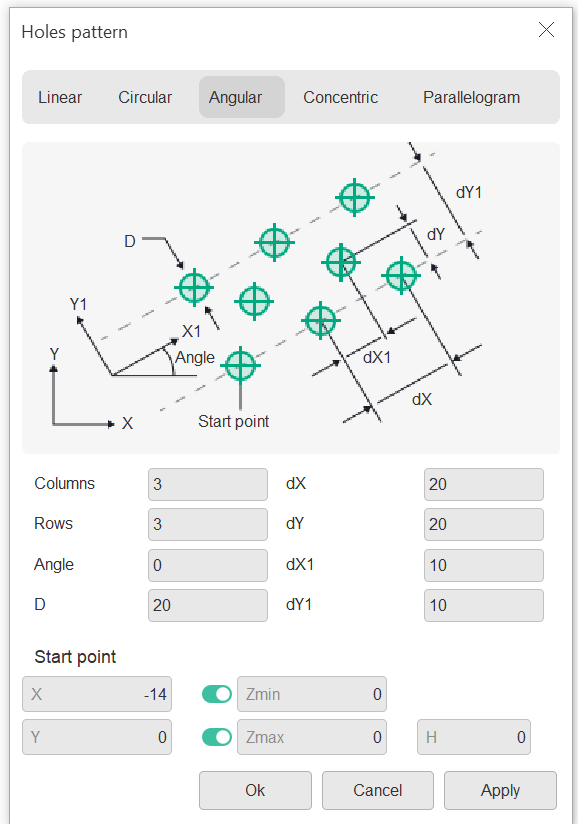
On the Angular page user can create linear holes pattern:

Concentric
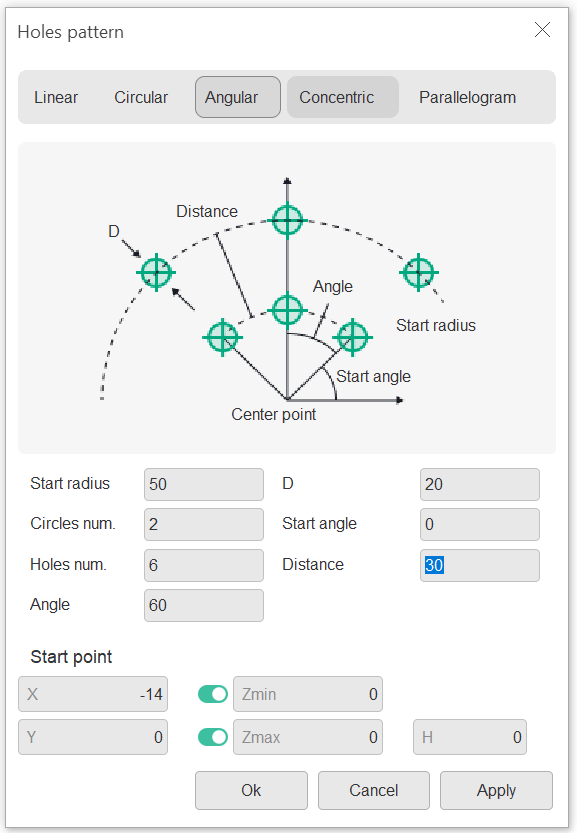
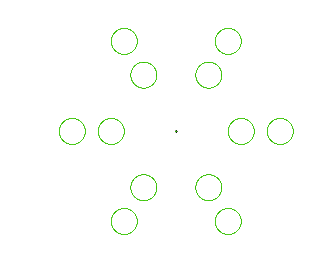
On the Concentric page user can create concentric holes pattern:
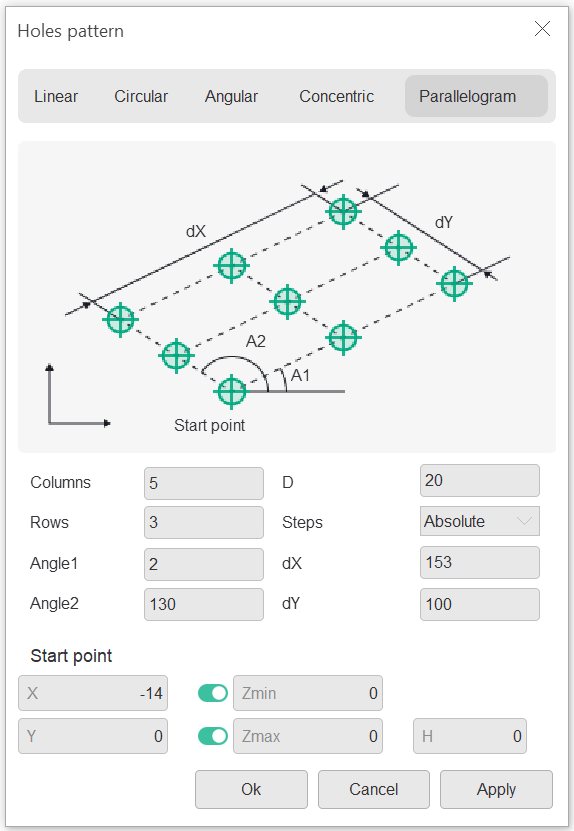
Parallelogram
On the Parallelogram page user can create parallelogram pattern:

Using patterns for axial plunging
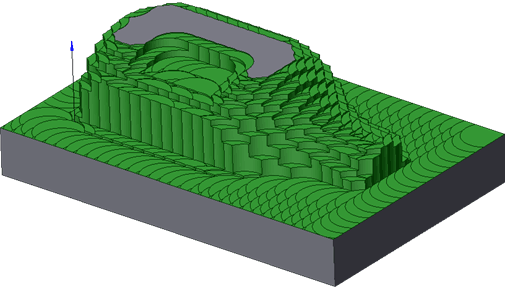
Using the hole patterns together with automatic determination of hole levels allows someone perform roughing machining of the part by the axial plunging strategy.