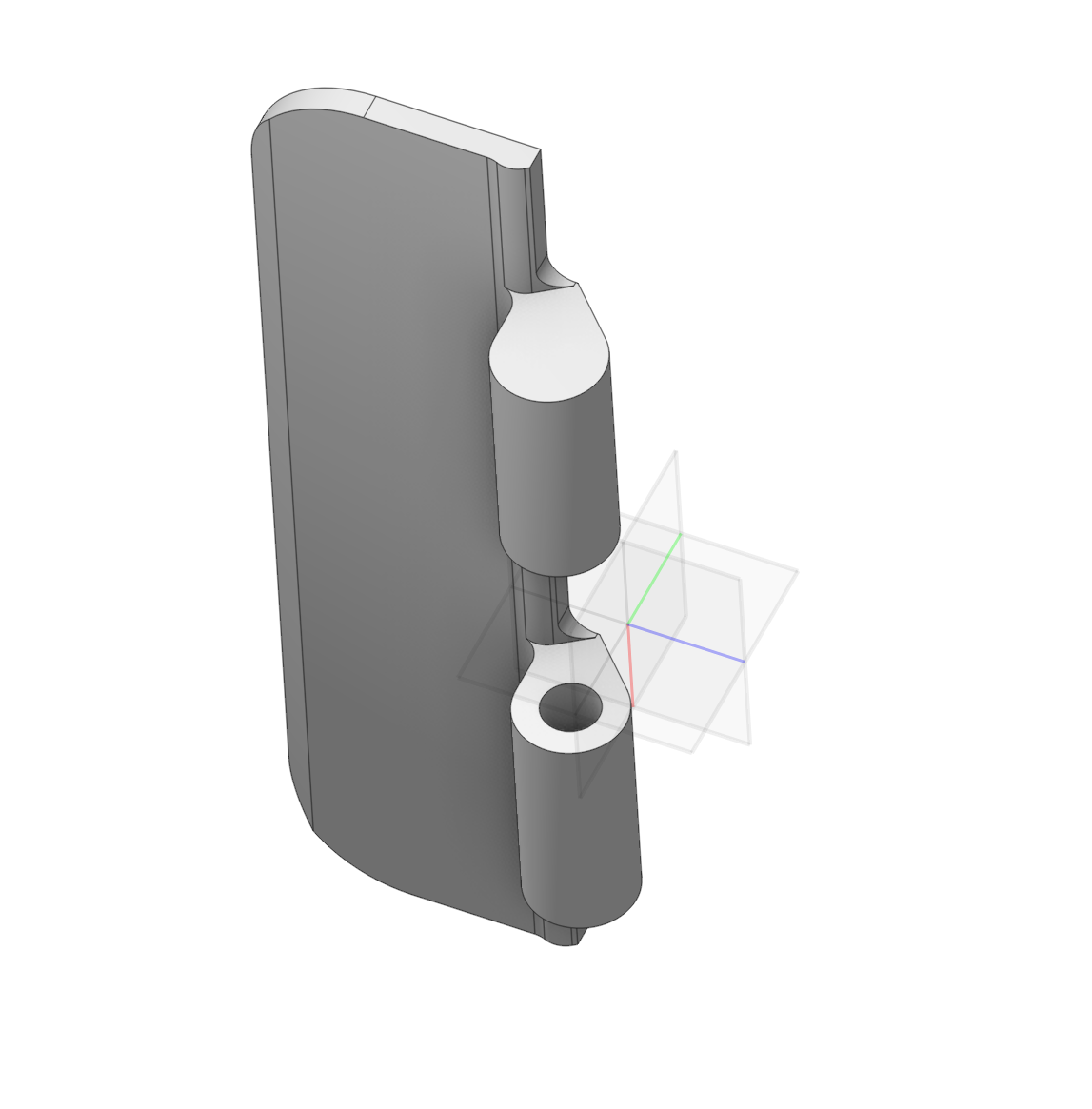
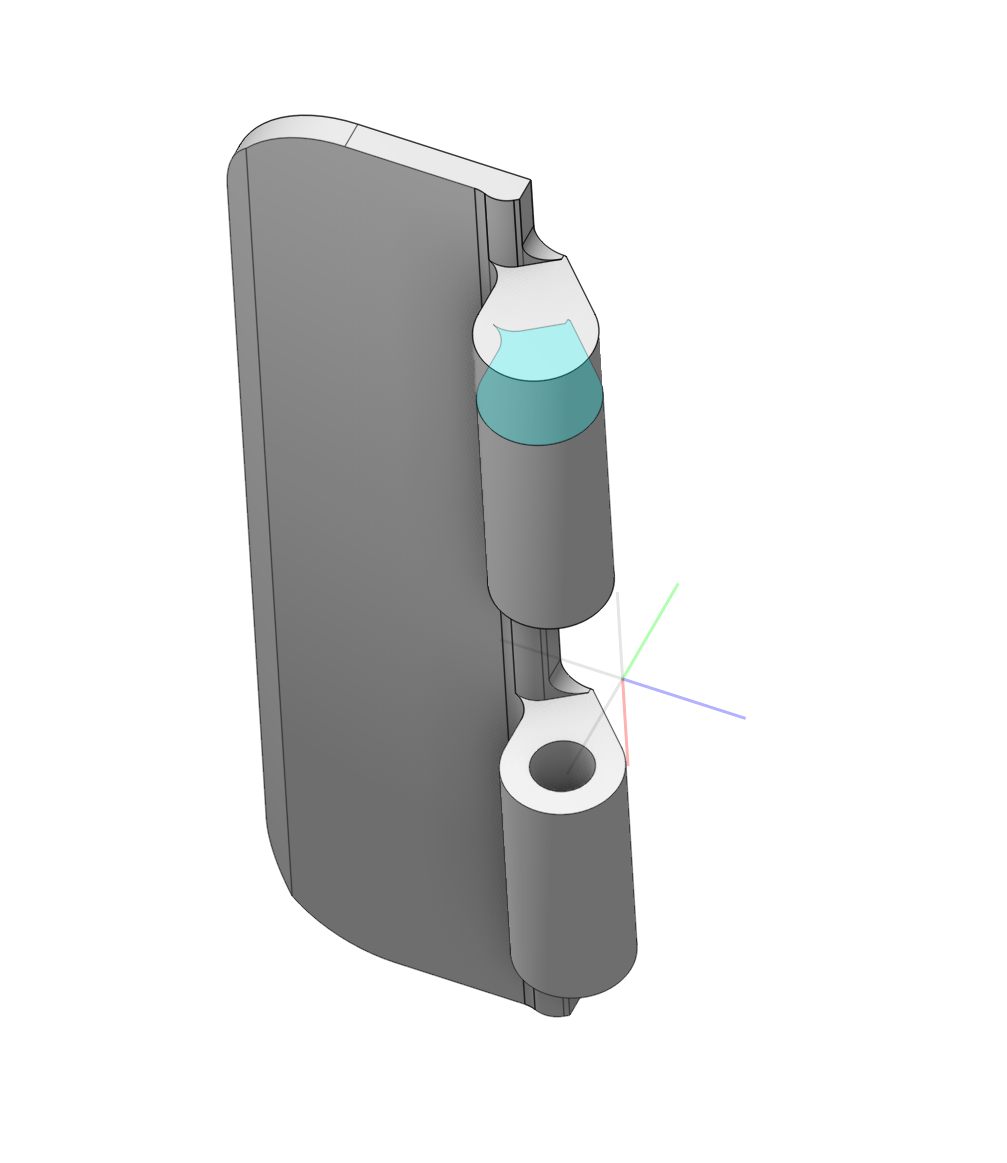
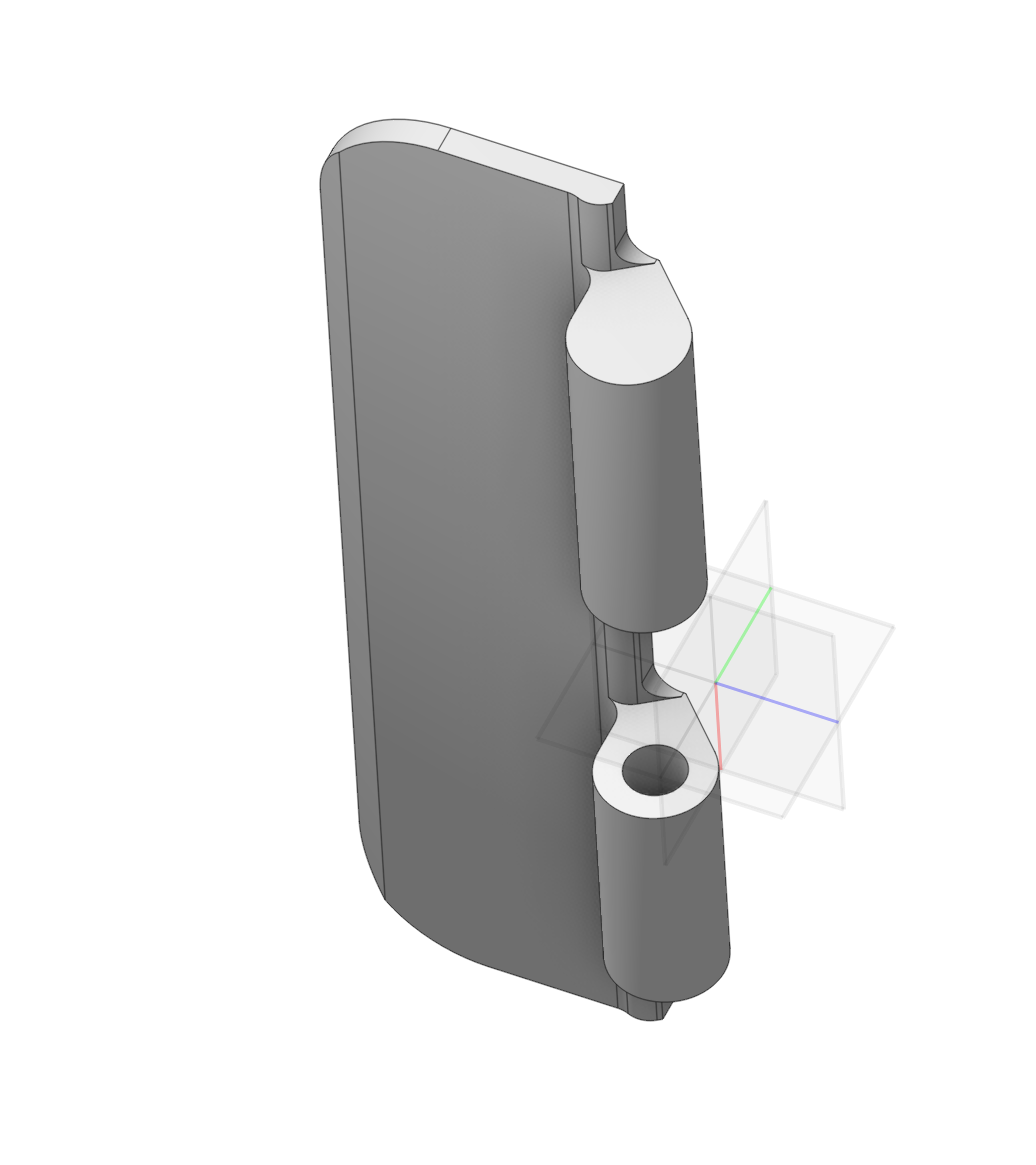
Direct Modeling
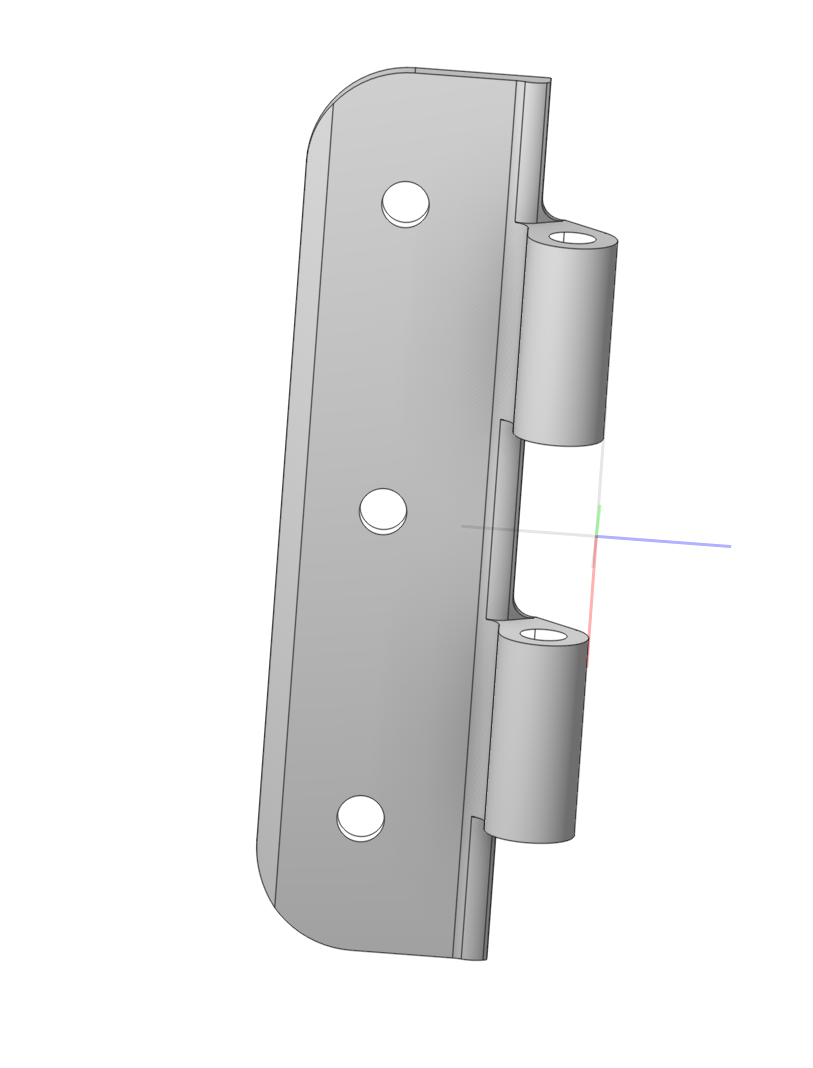
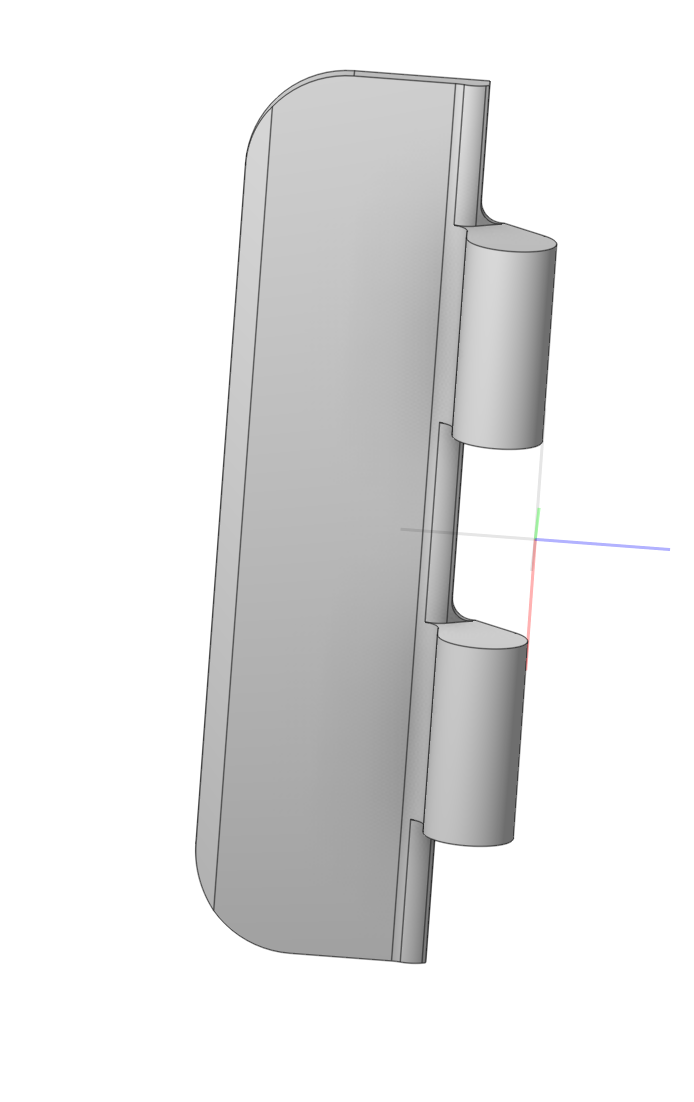
Application area:
Editing a CAD model directly (moving, deleting faces) without considering the design history or parametric dependencies.
Example: creating a stock blank from an external file for subsequent machining
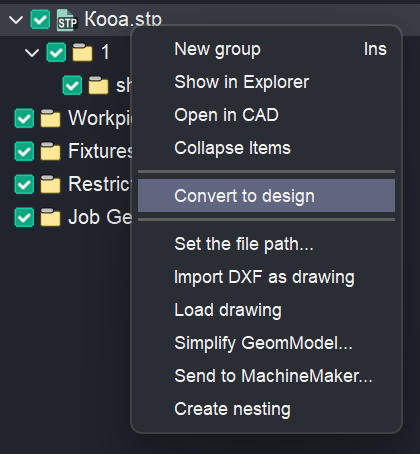
- Converting the 3D Model to a CAM System Format. This requires right-clicking the model in the model tree and choosing Convert to design.
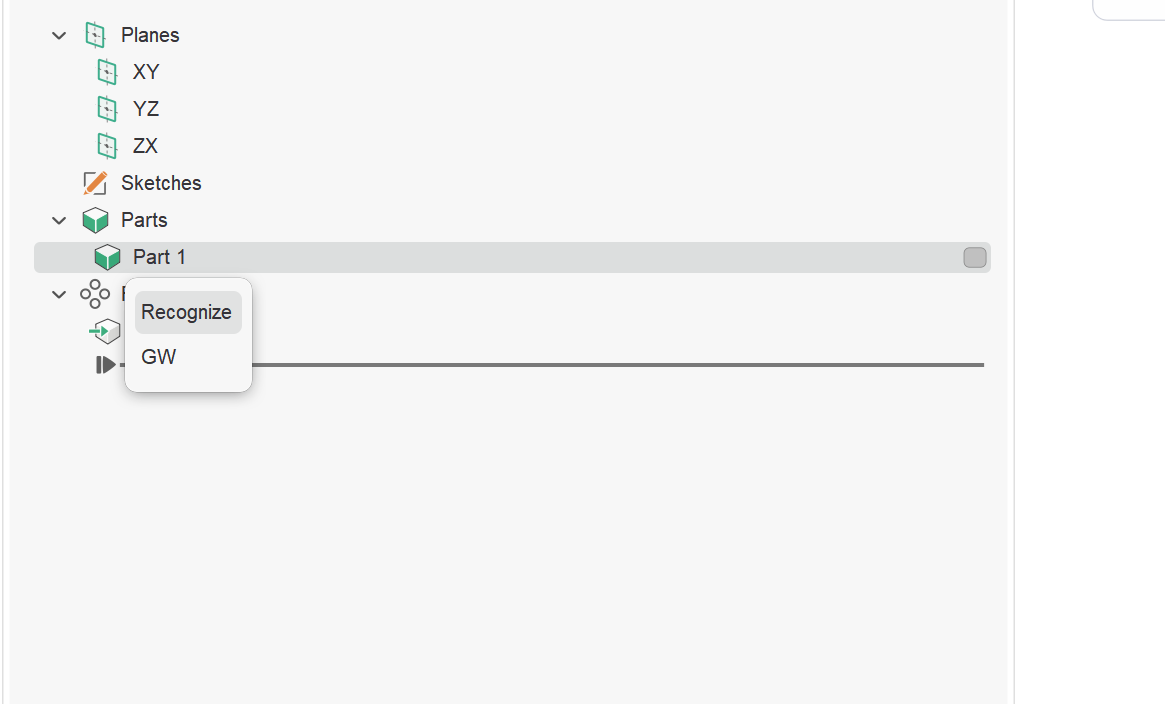
- After the model opens in Design mode, right-click on the model in the construction tree and select Recognize.
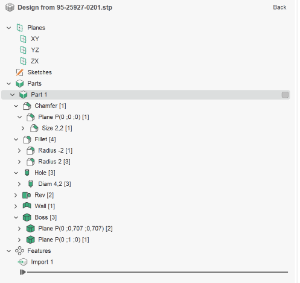
- After this, typical features such as holes, pockets, and others will be highlighted in the construction tree.
4.Using the delete or offset tools, you can create a blank according to your criteria.
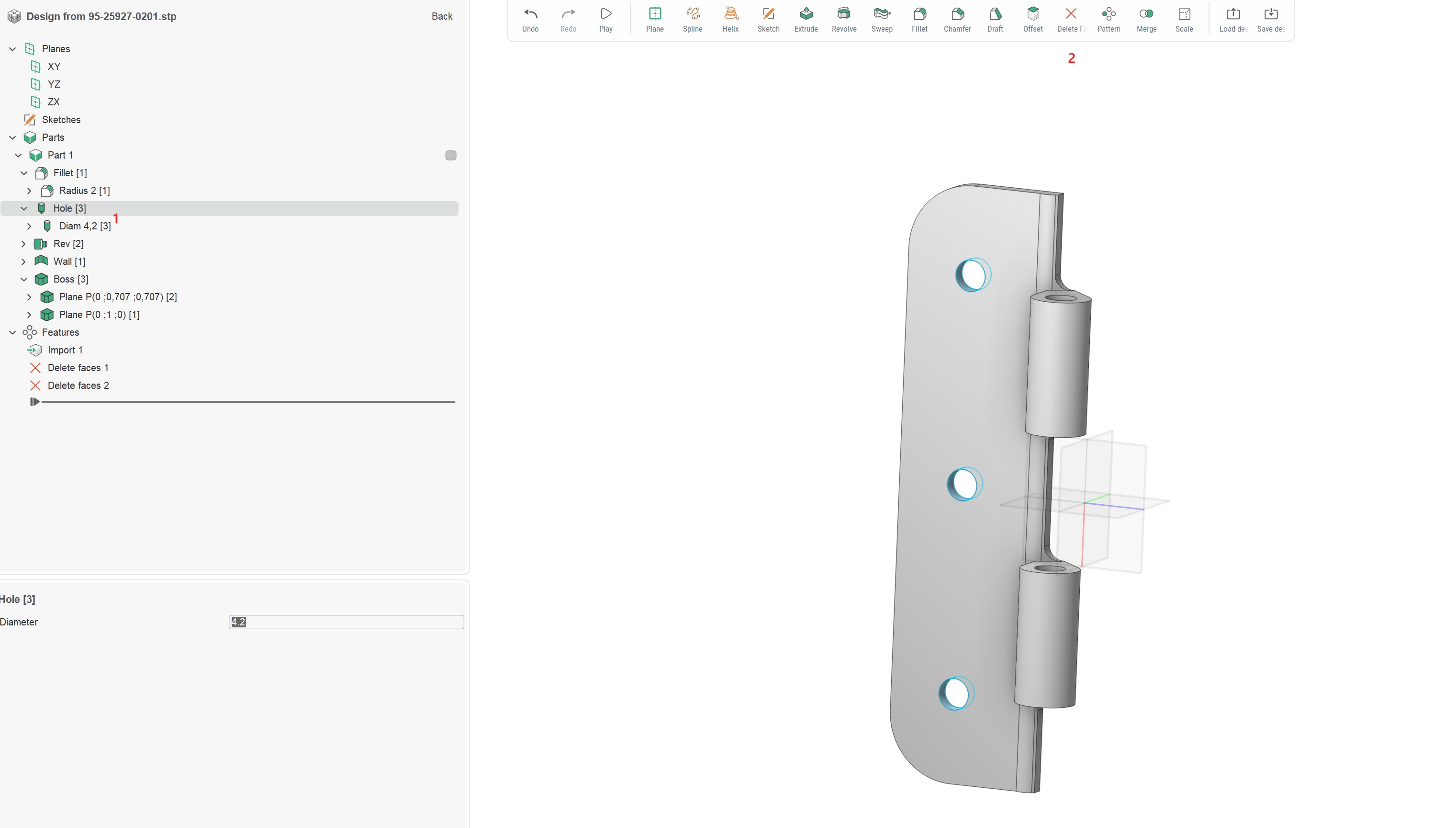
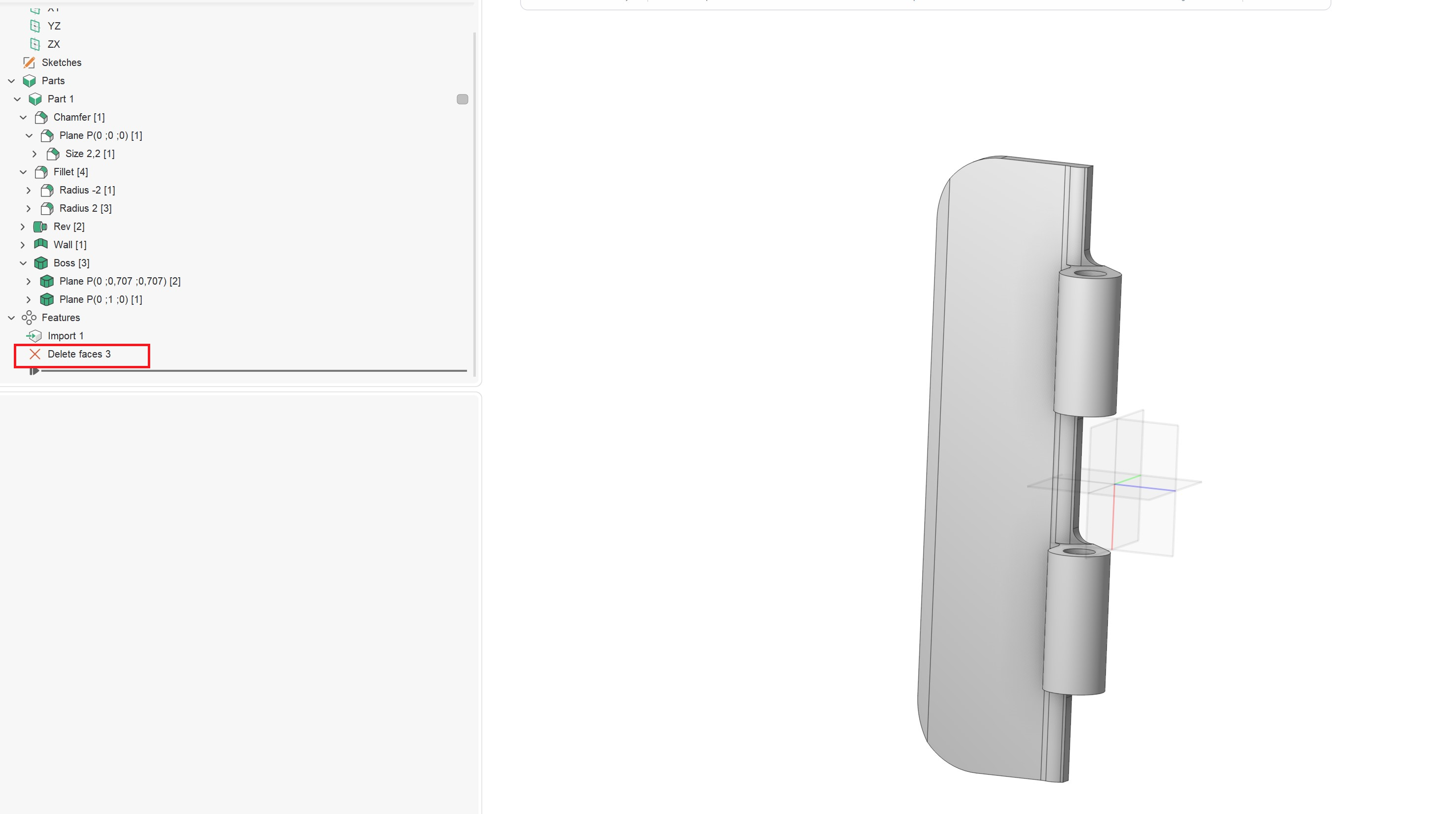
You can also select a separate surface to simplify it. Use the remove surface functionality.
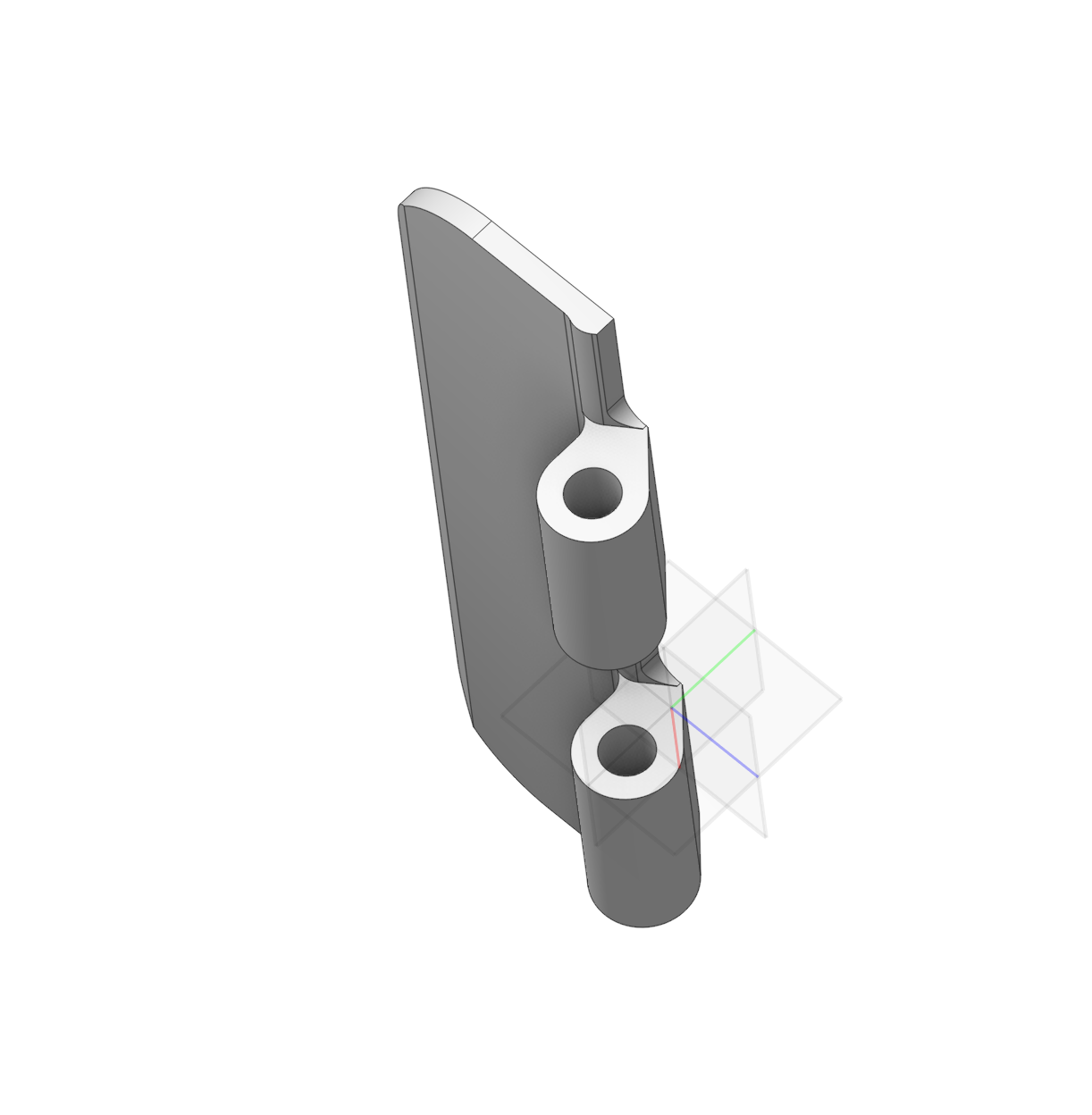
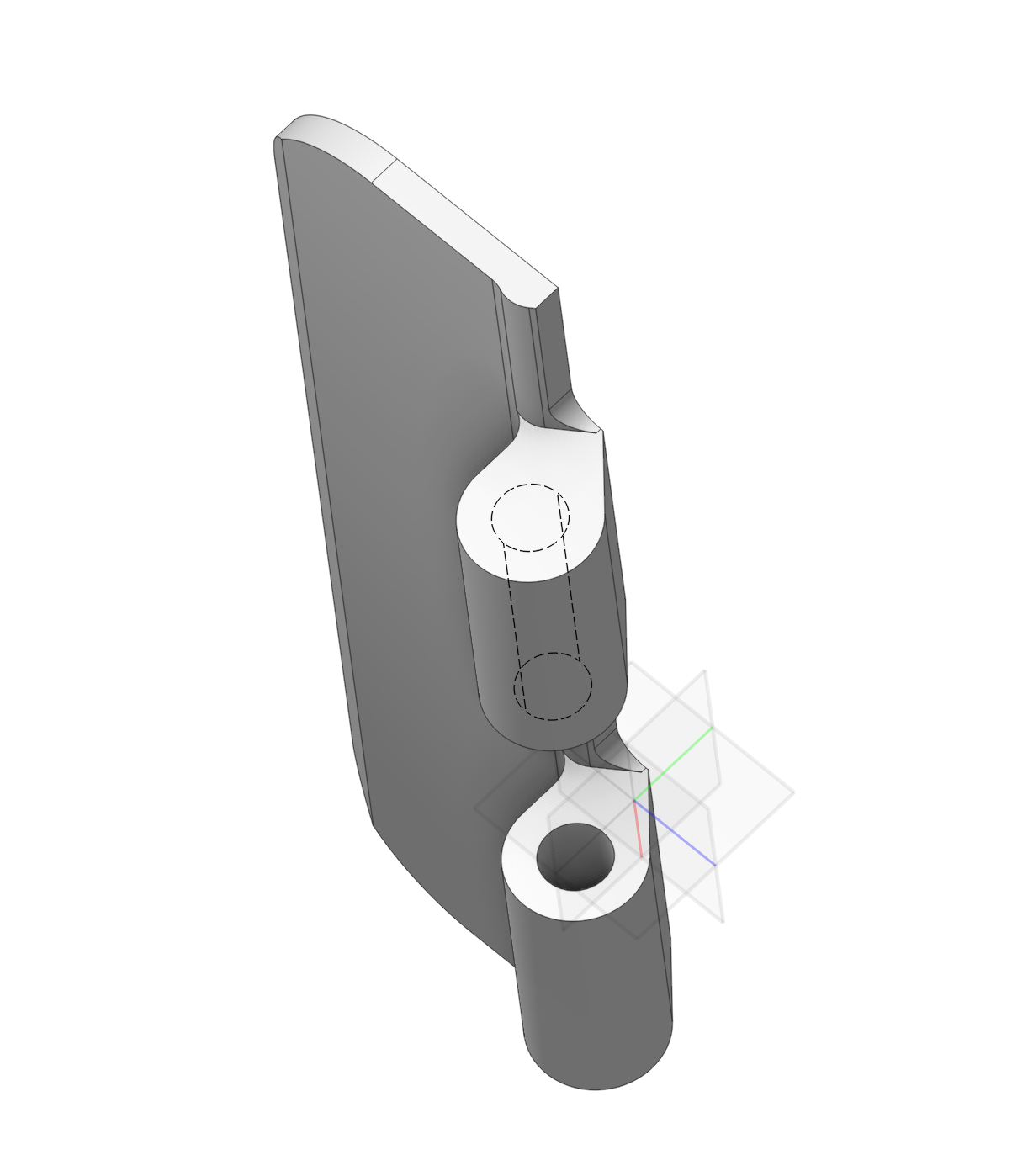
If you also need to offset the surface, use the offset function.