Rotation Mode
Application area:
Rotation Mode has been added as a camera navigation tool for controlling viewport rotation behavior in 3D scenes.
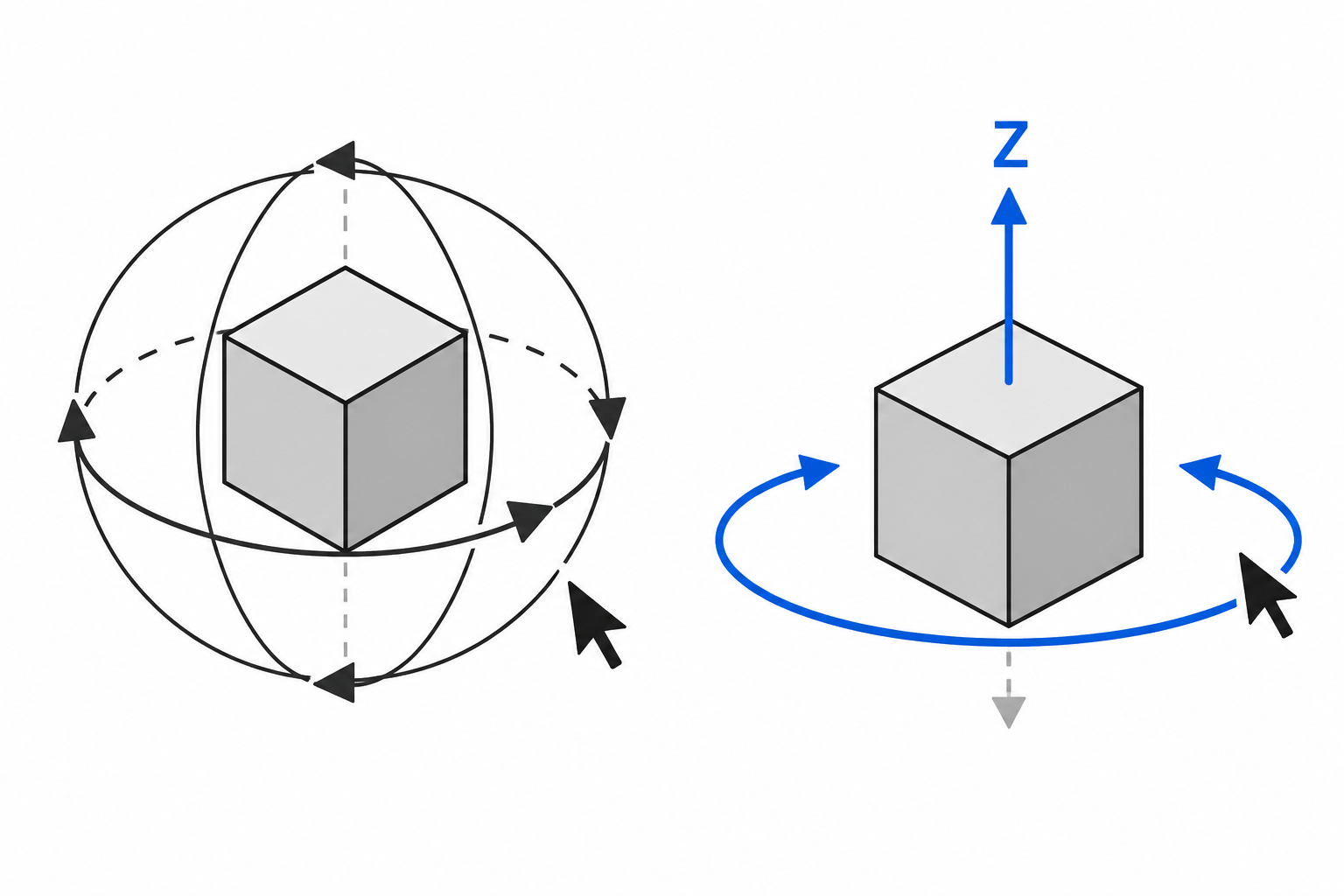
It allows switching between free Trackball rotation and constrained Orbit rotation. In Orbit mode, a selected local axis (X, Y or Z) remains vertical on screen, providing a predictable and stable camera orientation during navigation.
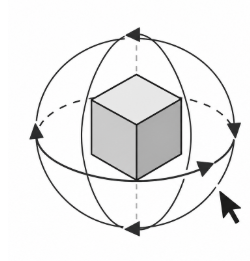
Trackball.
Trackball mode provides unrestricted viewport rotation.
The scene can be rotated freely in all directions, allowing the user to inspect the model from any angle.
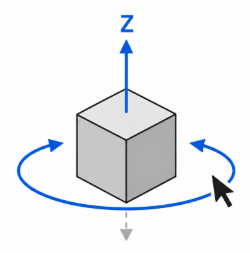
Orbit.
Orbit mode constrains viewport rotation around a selected local axis.
When Orbit mode is activated:
The selected local axis (X, Y or Z) is automatically aligned vertically on the screen.
The view smoothly snaps to the new orientation.
Horizontal mouse movement rotates the scene around the selected axis.
The selected axis remains vertical throughout navigation.