Tool path spatial transformations
Click the right mouse button on the operation and select the Transform tool path item from the context menu. The opened dialog matches to the model transformation dialog.
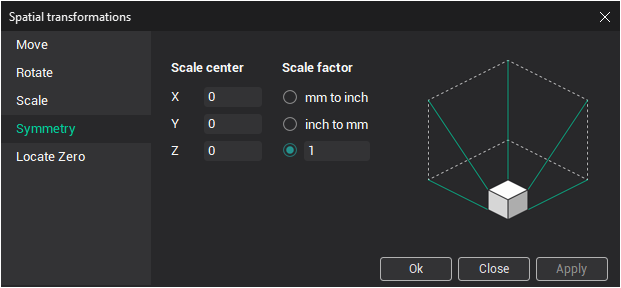
The type of the spatial transformation is selected by the bookmark:
- Move bookmark allows to define the linear move the tool path by three axis;
- Rotate bookmark allows to rotate the tool path around Z axis;
- Symmetry bookmark allows to make the symmetry transformation relative any vertical plane;
- Scale bookmark allows to perform evenly and unevenly scaling of tool path;
- Locate Zero bookmark allows to move the tool path using the dimensions of toolpath.