Simplifying geometrical model
The Simplifying geometrical model function can be called from the context menu of the graphic window.
This function is intended only for removing internal faces from a closed shell of a geometric model. This can be useful if the project uses a very detailed model, which can affect both the speed of the program and the final size of the project.
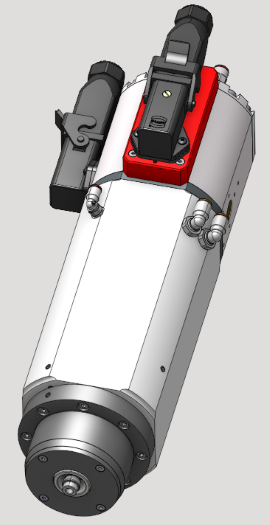
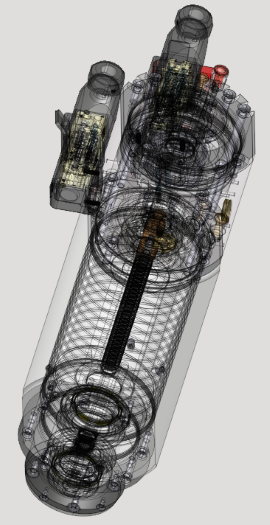
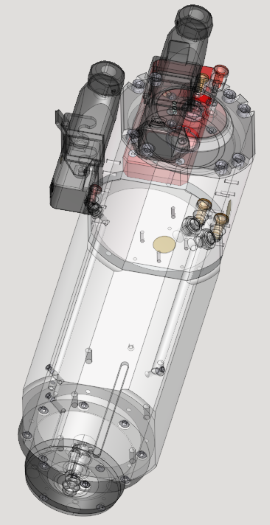
As a result of the function, with a certain accuracy, a hollow shell is obtained.
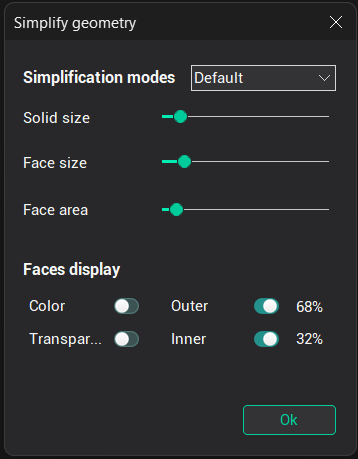
By default, the simplification parameters are optimally set, but if you wish, you can use both ready-made sets of parameters or set them manually.
The Simplification modes block sets the parameter sets.
Solid size - Sets the minimum size of shells that will participate in the calculation. Anything less is automatically marked as an inner object.
Face size - Sets the minimum size of individual faces that will participate in the calculation. Anything less is automatically marked as an inner object.
Face area - Sets the minimum inner face area at which they will be considered inner.
The Faces display block is responsible for the face display modes.
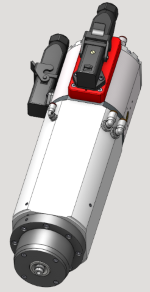
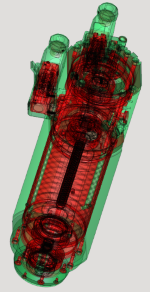
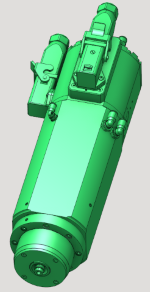
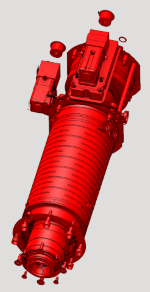
Color - Shows the original colors of the geometry. By default, the outer faces are green and the inner ones are red.
Transparent - Shows a transparent geometry model.
Outer - Shows outer faces.
Inner - Shows inner faces.