Nesting
Application area:
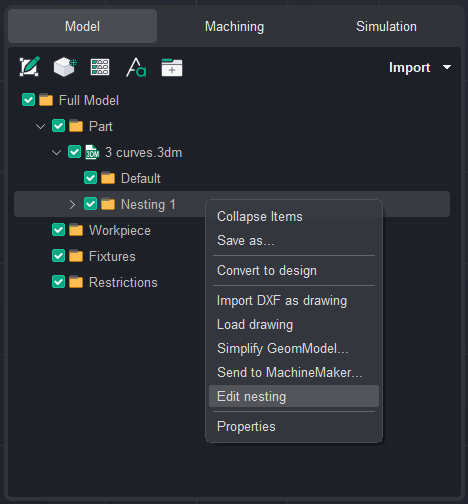
The Nesting tool is available from the Model tab. Right-click a sheet and select Create nesting to automatically arrange selected parts and optimize material usage.
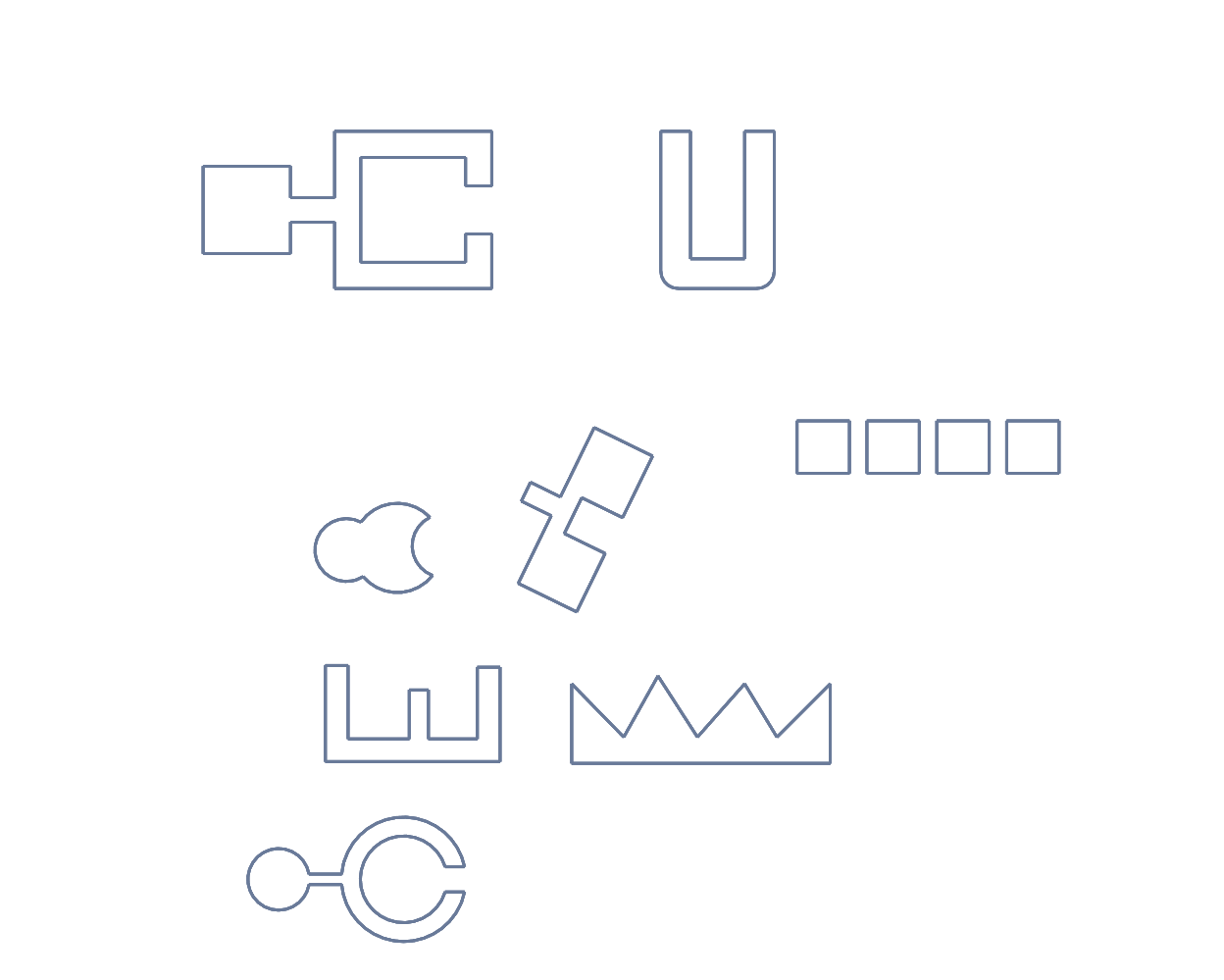
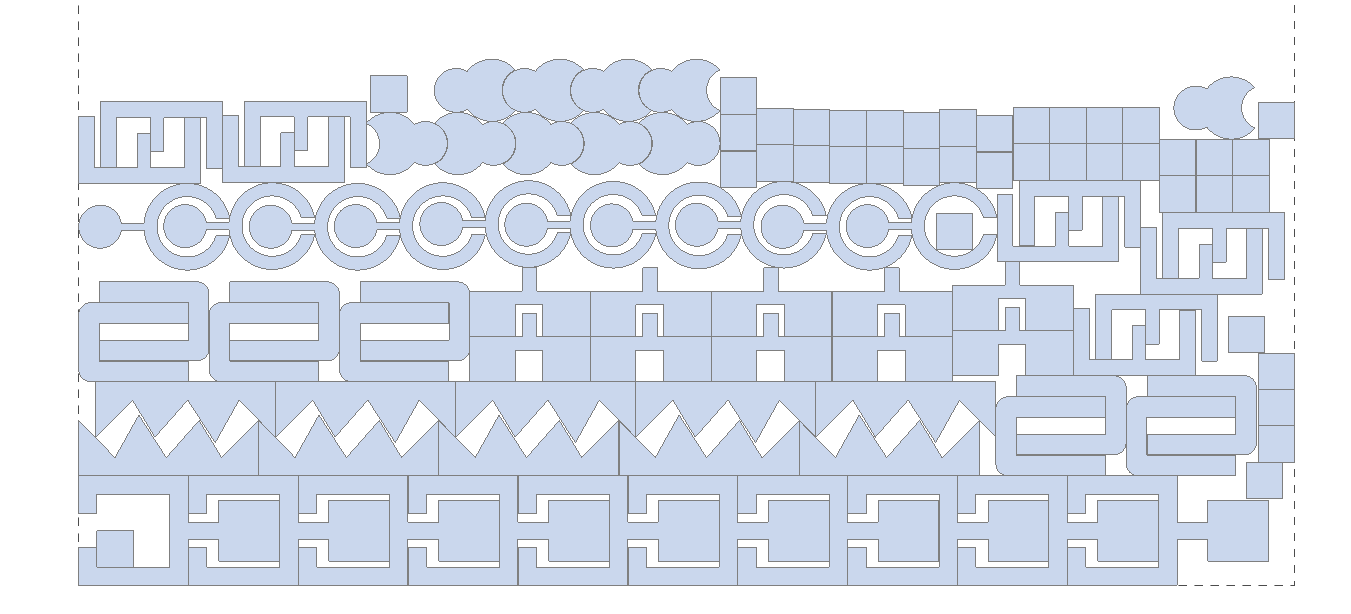
The Nesting tool automatically arranges selected parts on a sheet to optimize material usage and reduce waste. Configure sheet dimensions, spacing, margins, part copies, rotation, mirroring, grain direction, and placement rules before generating the layout.
Window layout.
Click here to expand..
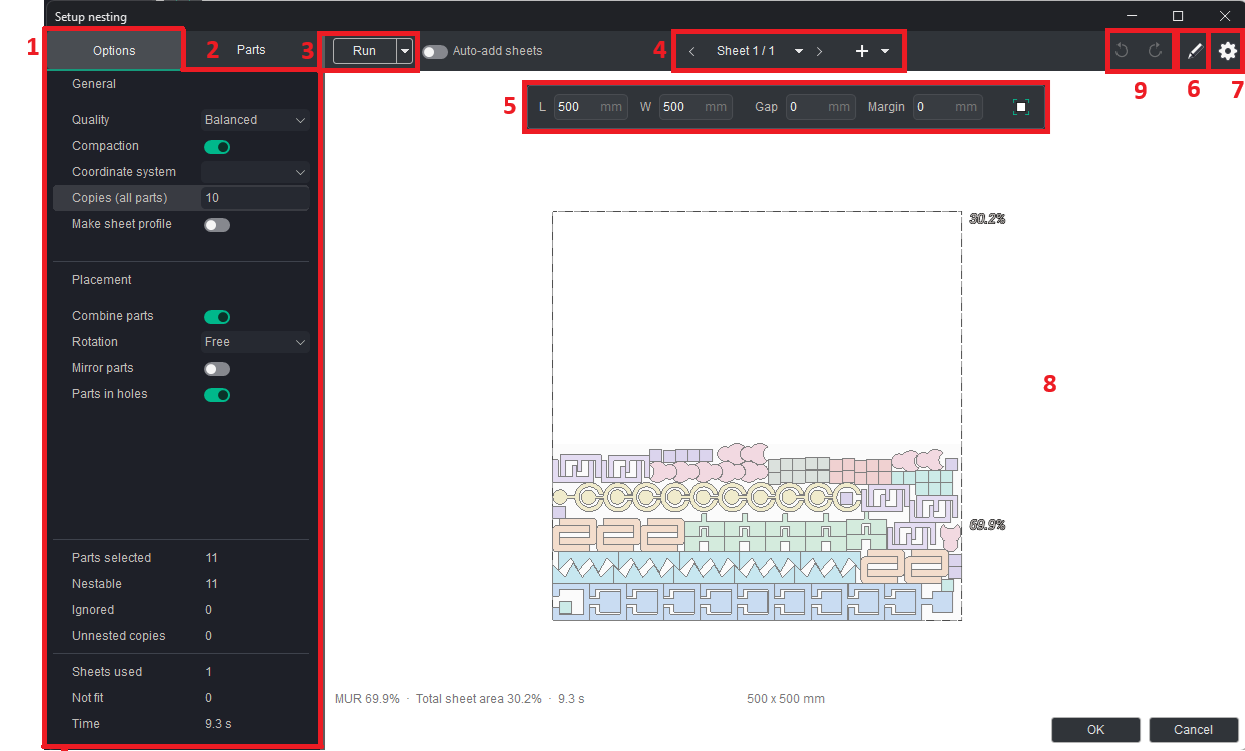
1. Options tab. Contains settings that define the nesting calculation.
2. Parts tab. Displays nestable parts, calculated sheets, unnested parts, and ignored parts. It is used to define the quantity and individual placement rules for each part.
3. Run button. Starts the nesting calculation using the current settings. The arrow next to the button opens additional calculation commands.
4. Sheet navigation. Switches between sheets included in the nesting layout. The Add sheet command adds another sheet.
5. Sheet parameters. Define the length, width, gap, and margins of the current sheet.
6. Manual editing. Allows you to manually edit the nesting layout.
7. Settings button. Opens nesting settings.
8. Nesting layout. Displays the calculated arrangement of parts on the current sheet. The layout is generated according to the selected sheet parameters, material requirements, and placement rules.
9. Undo/Redo. Undo (Ctrl+Z) - reverses the last change. Redo (Ctrl+Y) - restores an undone change. After a new change is made, previously undone steps can no longer be redone.
Options tab.
Click here to expand..
General
Quality. Selects the balance between calculation speed and nesting quality.
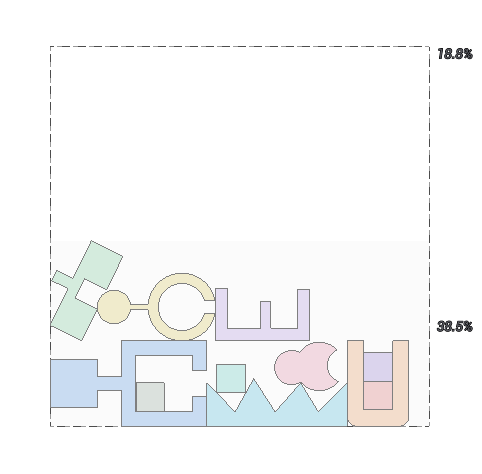
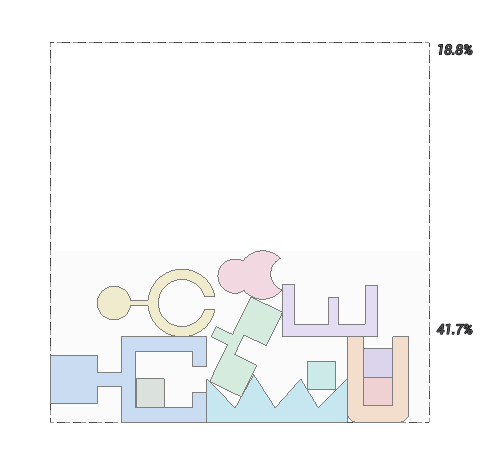
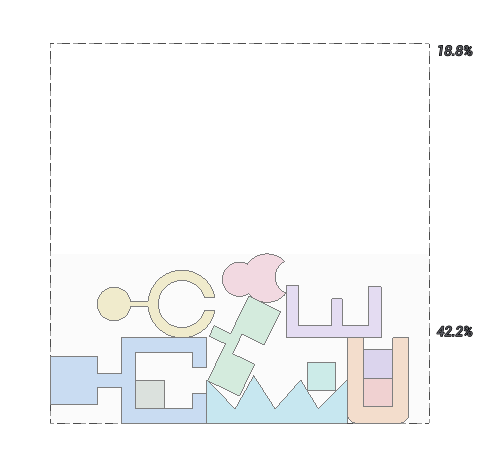
Compaction. When ON, reduces unused space between parts where possible.
Coordinate system. Selects the coordinate system used for the sheet layout.
Copies (all parts). Specifies a common number of copies for all selected parts.
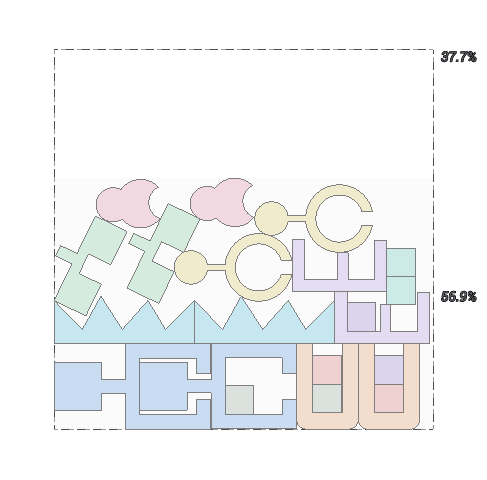
Make sheet profile. Keeps the sheet in the project after the nesting is created.
Placement.
Combine parts. When ON, allows compatible parts to be arranged together on the same sheet.
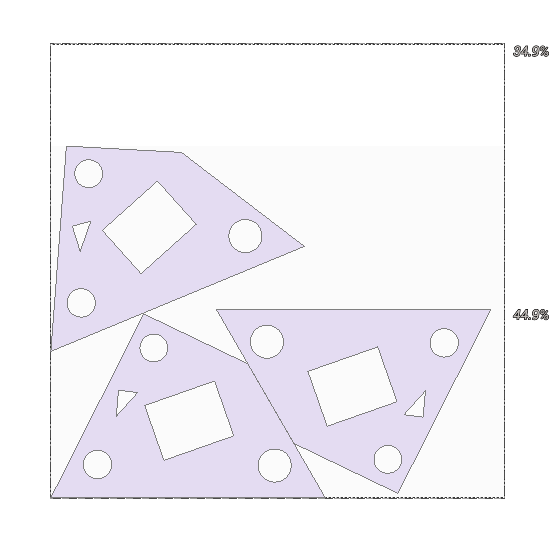
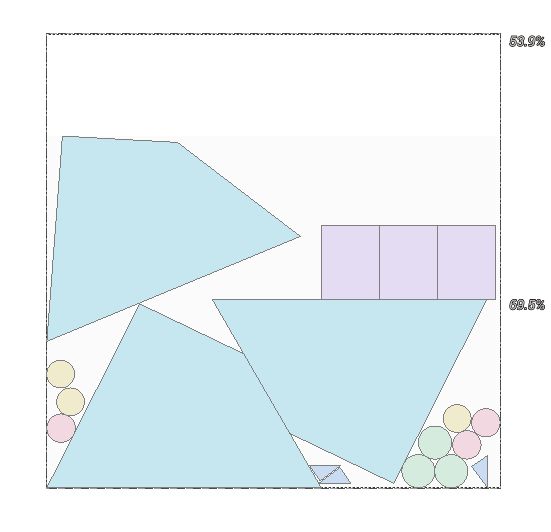
Rotation. Defines the permitted rotation of parts during nesting.
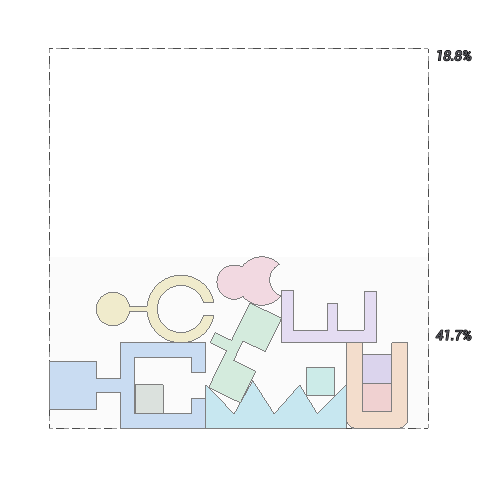
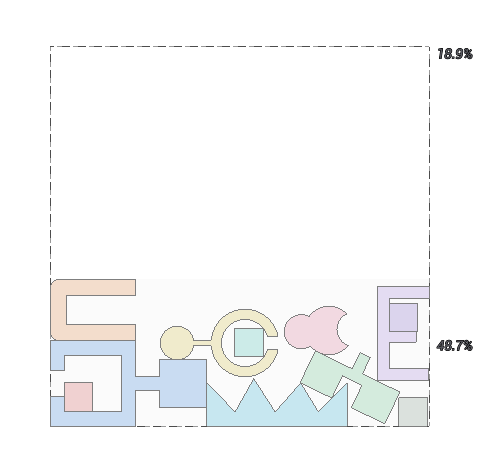
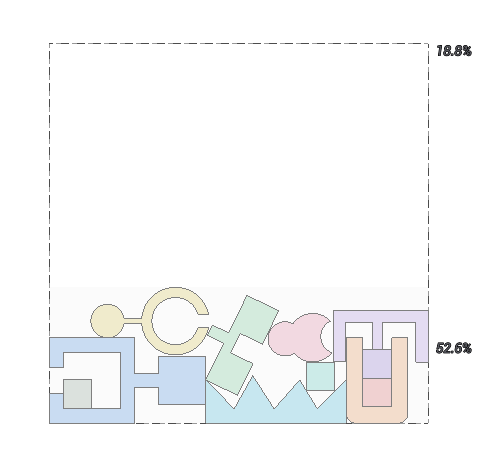
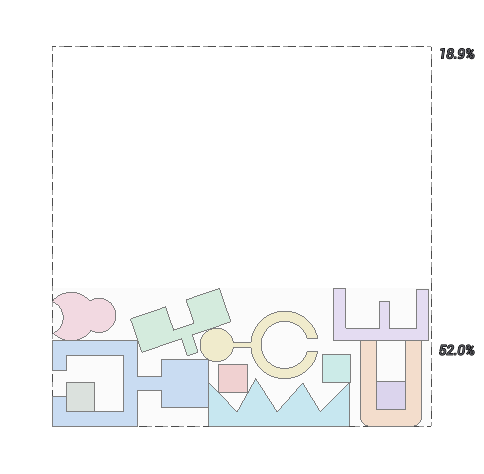
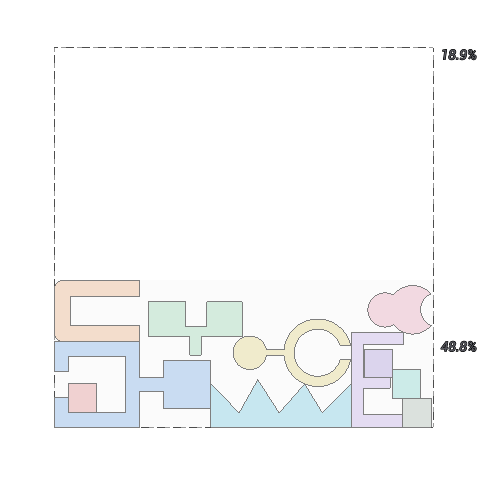
Mirror parts. When ON, allows mirrored copies of parts to be placed.
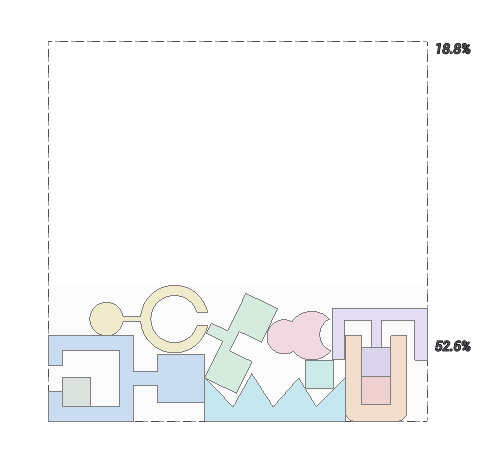
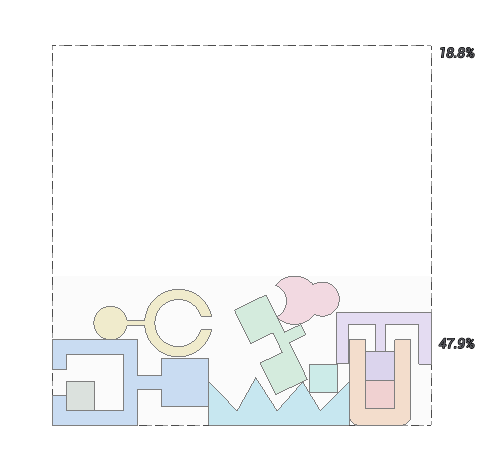
Parts in holes. When ON, allows parts to be placed inside suitable internal contours of other parts.
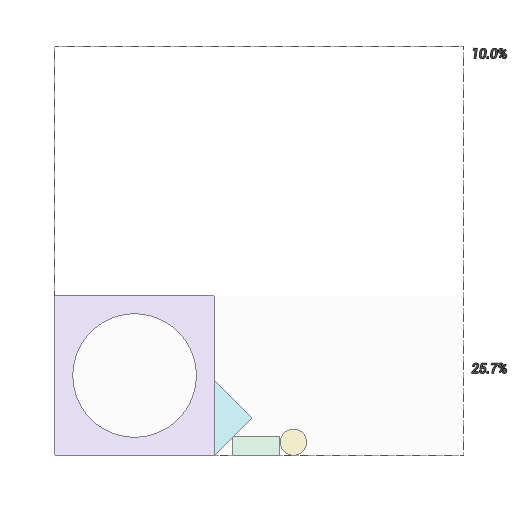
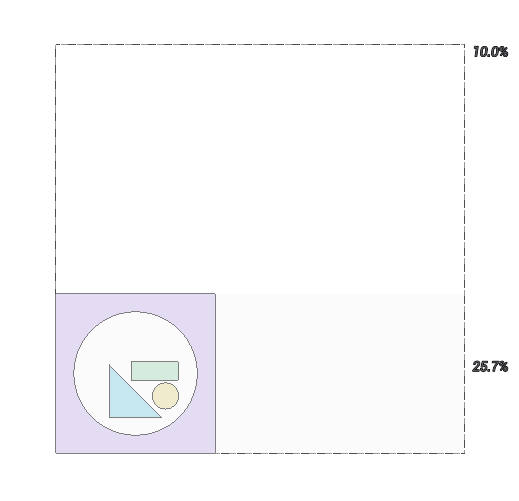
Nesting result.
Parts selected. Shows the number of parts selected for nesting.
Nestable. Shows the number of selected parts that meet the current nesting conditions.
Ignored. Shows the number of parts excluded from the calculation.
Unnested copies. Shows the number of requested part copies that could not be placed.
Sheets used. Shows the number of sheets required by the calculated layout.
Not fit. Shows the number of parts that do not fit on the available sheet format.
Time. Shows the time required to calculate the nesting result.
Parts tab.
Click here to expand..
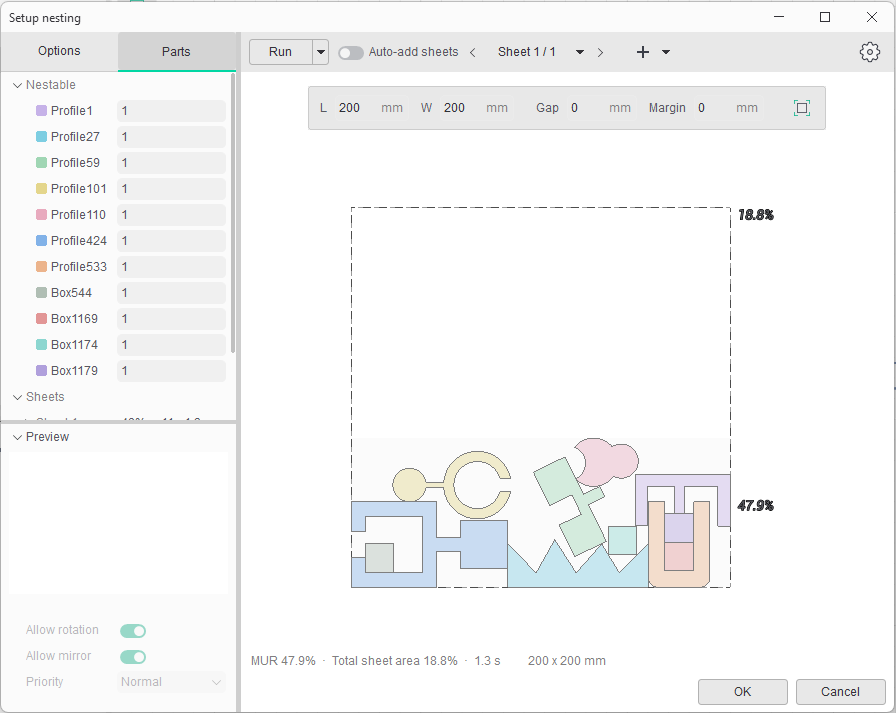
Nestable. Lists the parts that can be included in the nesting. The field next to each part defines its required quantity.
Sheets. Displays sheets produced by the calculation. The entry shows the material utilization, number of placed parts, and calculation time.
Unnested. Contains parts that could not be placed on the available sheets under the current conditions.
Ignored. Contains parts excluded from the calculation.
Preview. Displays a preview of the currently selected part.
Allow rotation. When ON, permits rotation of the selected part during nesting.
Allow mirror. When ON, permits a mirrored placement of the selected part.
Priority. Defines the placement priority of the selected part.
Sheet parameters.
The controls above the preview define the dimensions and placement restrictions of the current sheet.
Click here to expand..
Length. Defines the length of the current sheet.
Width. Defines the width of the current sheet.
Gap. Defines the minimum distance between placed parts.
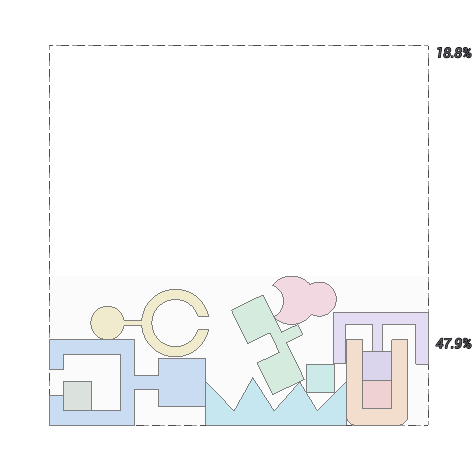
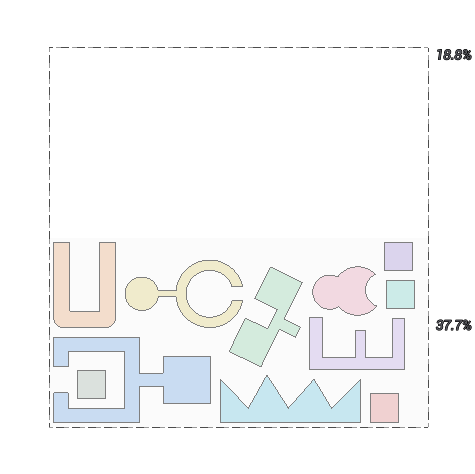
Margin. Defines the unused border area along the sheet edges.
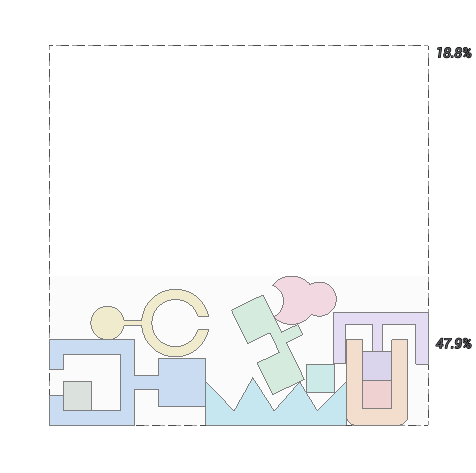
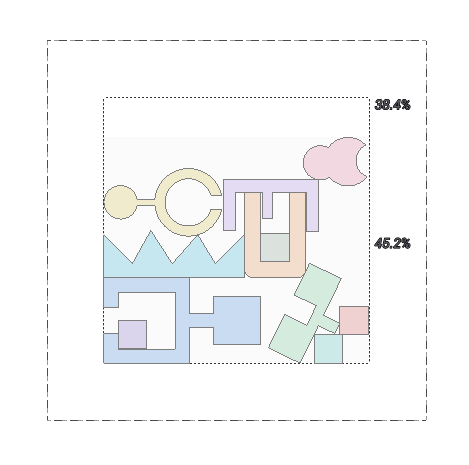
Manual editing.
Use Manual editing to adjust the arrangement of parts on the current sheet.
Click here to expand..
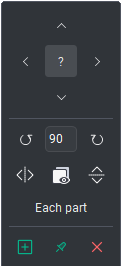
Arrow buttons (←, →, ↑, ↓). Move the selected part until it touches an adjacent contour or the edge of the sheet.
? Hides tooltips.
Rotate. Rotates the selected contour around its center by the specified angle increment.
Hold R and scroll the mouse wheel to rotate the selected contour around the cursor position. If multiple contours are selected, hold E and scroll the mouse wheel to rotate each selected contour around its own center. Each mouse wheel step rotates the contour by 5° by default. Hold Shift for 1° increments or Alt for 90° increments.
Angle like a sample. Copies the rotation angle and mirroring from another contour. Select the contour you want to modify, press A, and then click the contour whose properties you want to copy.
Mirror. Mirrors the selected contours horizontally or vertically. If multiple contours are selected, enable Each part to mirror each part relative to its own center.
Remove. Removes the selected contours from the nesting layout and adds them to the Unnested Copies list.
Add. Adds the contours selected in the left panel from the Unnested or Nestable list to the current sheet.
Placed by Hand. Locks the selected contour in its current position on the sheet.
Editing behavior:
- Hold Ctrl to perform these actions without collision or sheet boundary checks.
- A red outline indicates a copy that violates the required clearance from an adjacent part or the sheet edge.
- Ctrl+Z and Ctrl+Y work throughout the entire window. They can undo or redo manual edits, Run, Remove Sheet, and changes made to sheets.
- Removing a sheet or changing its size clears the Placed by Hand status.
Settings button.
Click here to expand..
The New sheet defaults popup is opened from the gear icon in the top-right corner. It defines default parameters for sheets added to the nesting.
Stock format. Selects a predefined stock format or Custom for manually specified dimensions.
Length and width. Define the dimensions of every newly added sheet.
Tech gap. Defines the technical gap used when placing parts on a new sheet.
Margin. Define the unused top, bottom, left, and right areas of every newly added sheet.
Creating the layout.
Click here to expand..
Open the Model Tab
In Ency, go to the Model tab.
Import the Model
Import the following model from the standard Ency library:
Milling_25D\3 curves.3dm
Create a Nesting Layout
Right-click on the contour and select Create Nesting from the context menu.
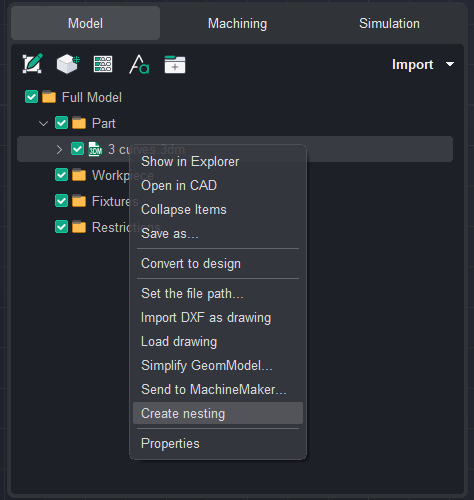
Open the Nesting Window
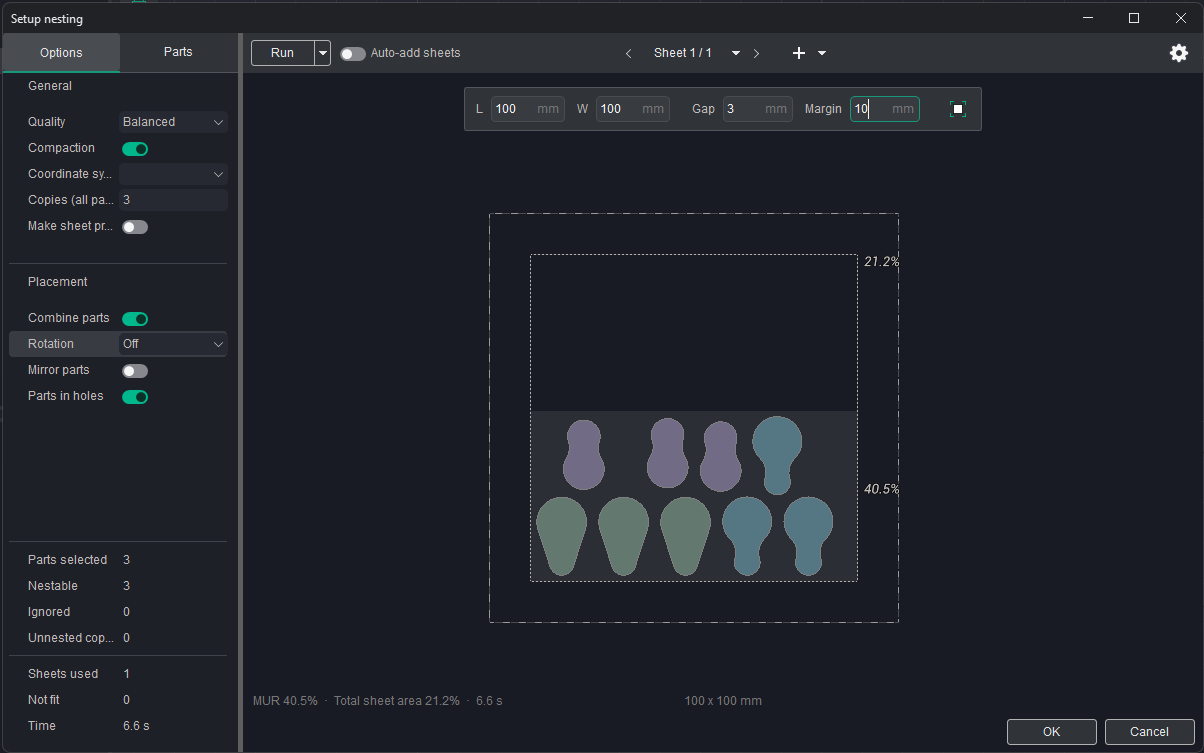
The Setup nesting window will open. This window contains the parameters used to configure the nesting layout.
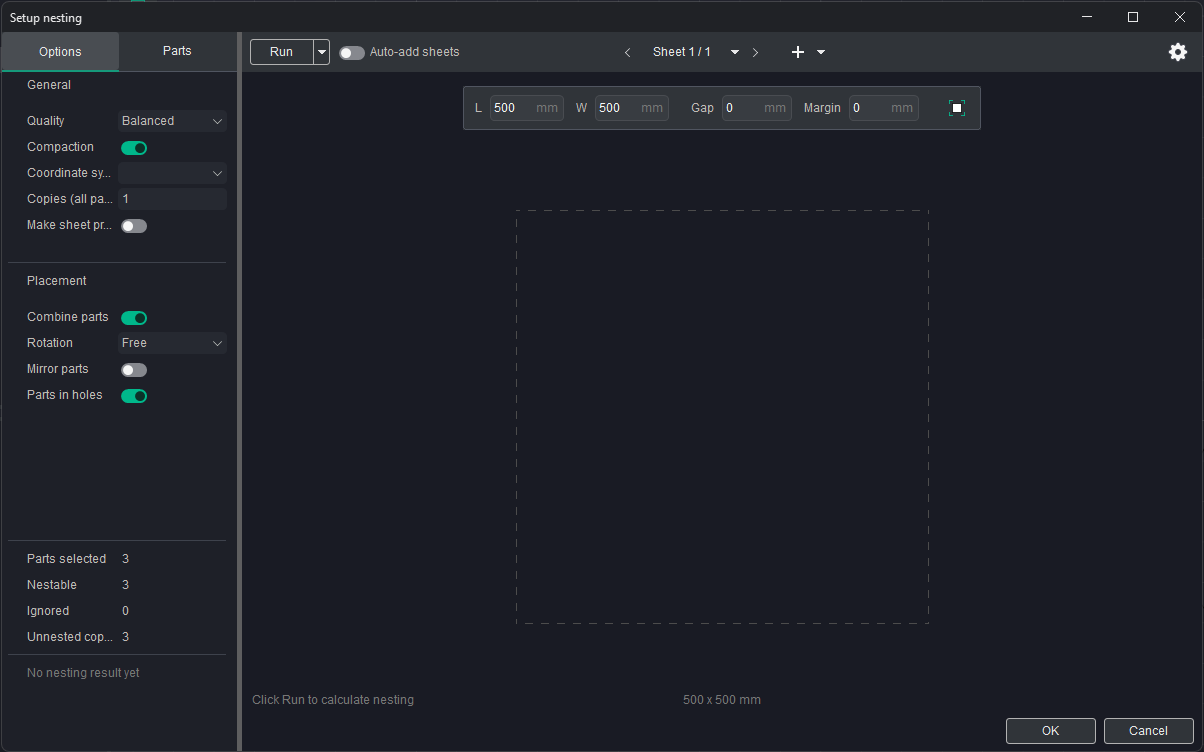
Set the Nesting Parameters
Set the following parameters:
- Copies — 3
- Rotation — Off
- Width — 100 mm
- Length — 100 mm
- Gap — 3 mm
- Frame — 10 mm
Make sure all parameters are entered correctly before proceeding.
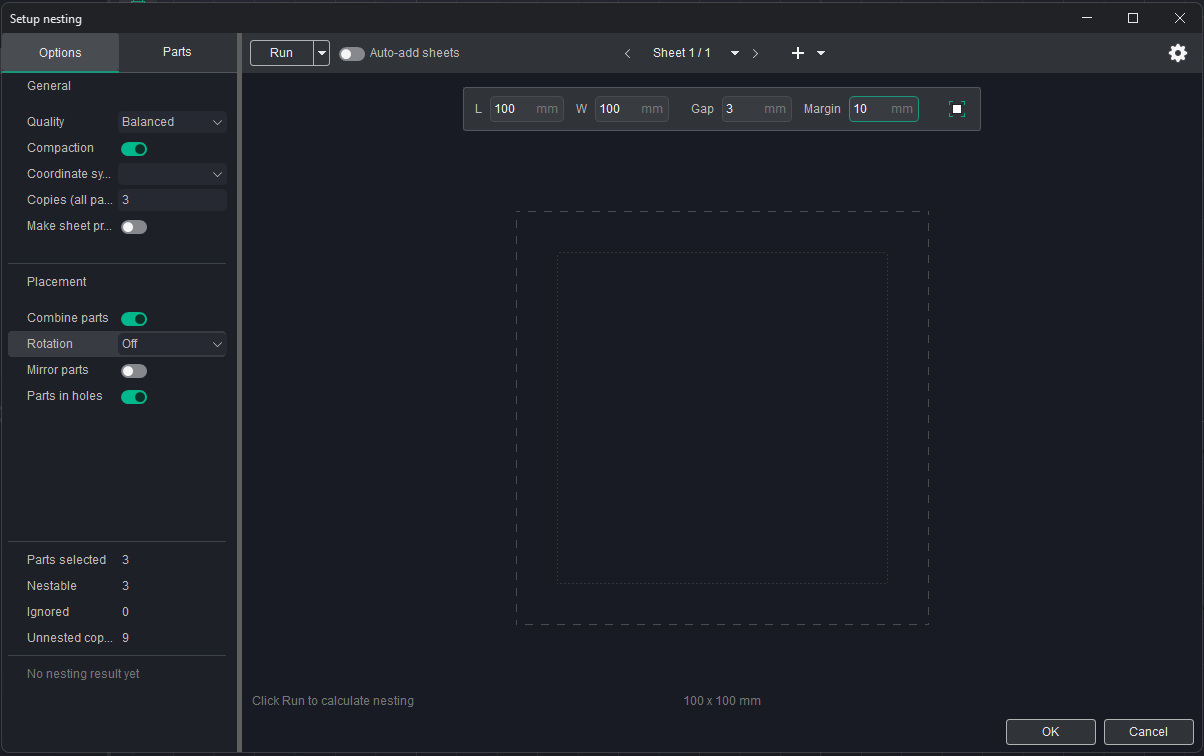
Run the Nesting Process
Click Run and wait for the nesting process to complete.
Once the layout has been generated, review the result. If you are satisfied with the arrangement of the parts, click OK to confirm it.
Review and Edit the Result
After confirming the nesting layout, a new folder containing the generated layout will be automatically created in the Parts folder.
If necessary, the generated nesting layout can be edited manually.