Additional tab
To configure system event logging and update settings, use the Additional page.
Logs are useful when you encounter issues which are difficult to explain in words or which occur only when a specific consequence of actions is executed.
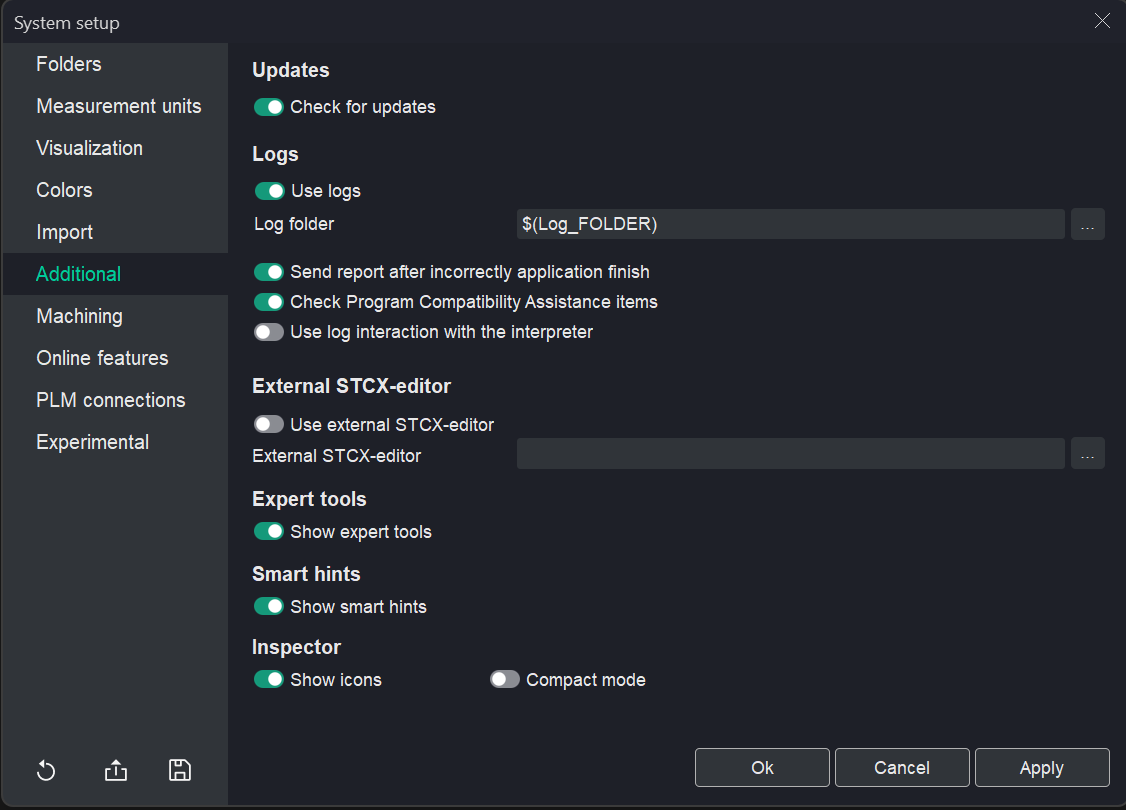
Update Settings:
- To enable automatic update checks, switch on the Check for updates option.
Logging Settings:
- To enable logging, check the Use logs option. Logs are useful for diagnosing issues that are difficult to describe or that occur only during a specific sequence of actions.
- The Log folder field allows you to specify the location where the system will save log files.
- To automatically send error reports, check the Send report after incorrect application finish option.
- The Check Program Compatibility Assistance items option excludes the system from compatibility checks with other programs by the Program Compatibility Assistant.
- To log the system's interaction with the interpreter (used in Simulation of machining by NC program and G-code based operations), enable the Use log interaction with the interpreter option.
External Editor Settings:
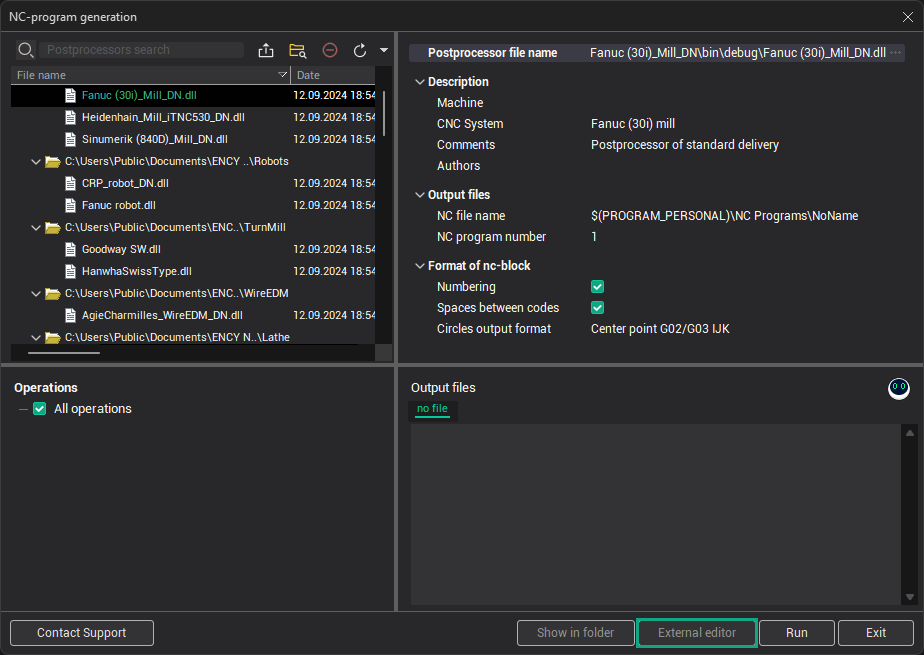
The External STCX-editor panel affects the NC-program generation window and allows you to select an external editor to modify NC programs.
Expert Tools:
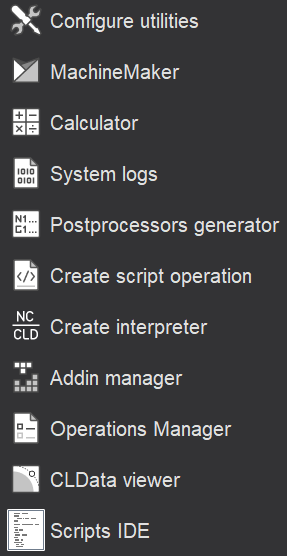
The Show expert tools option makes advanced tools visible for expert users.
Smart Hints:
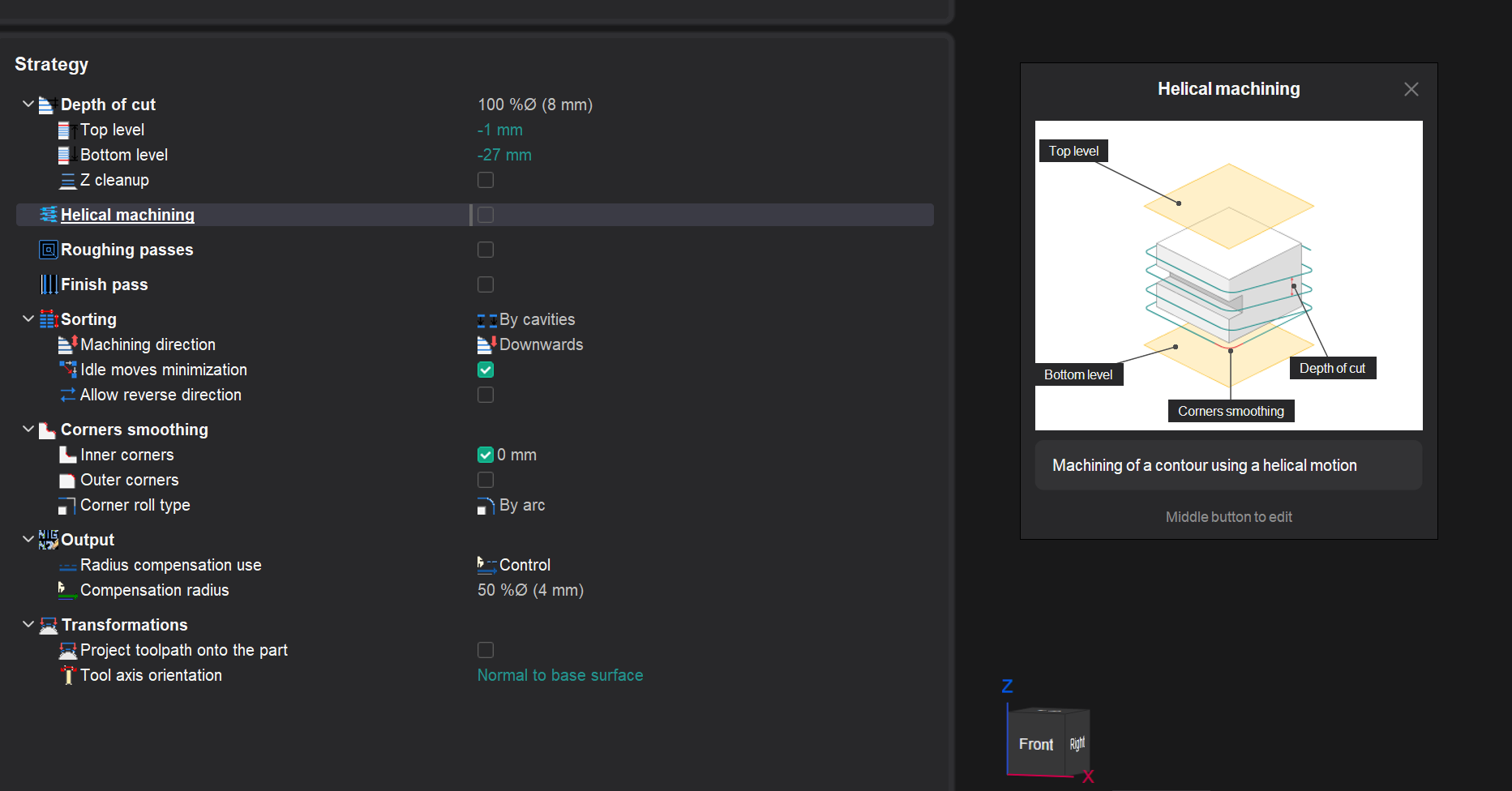
The Show smart hints option toggles the visibility of smart hints in the interface.