Restrictions
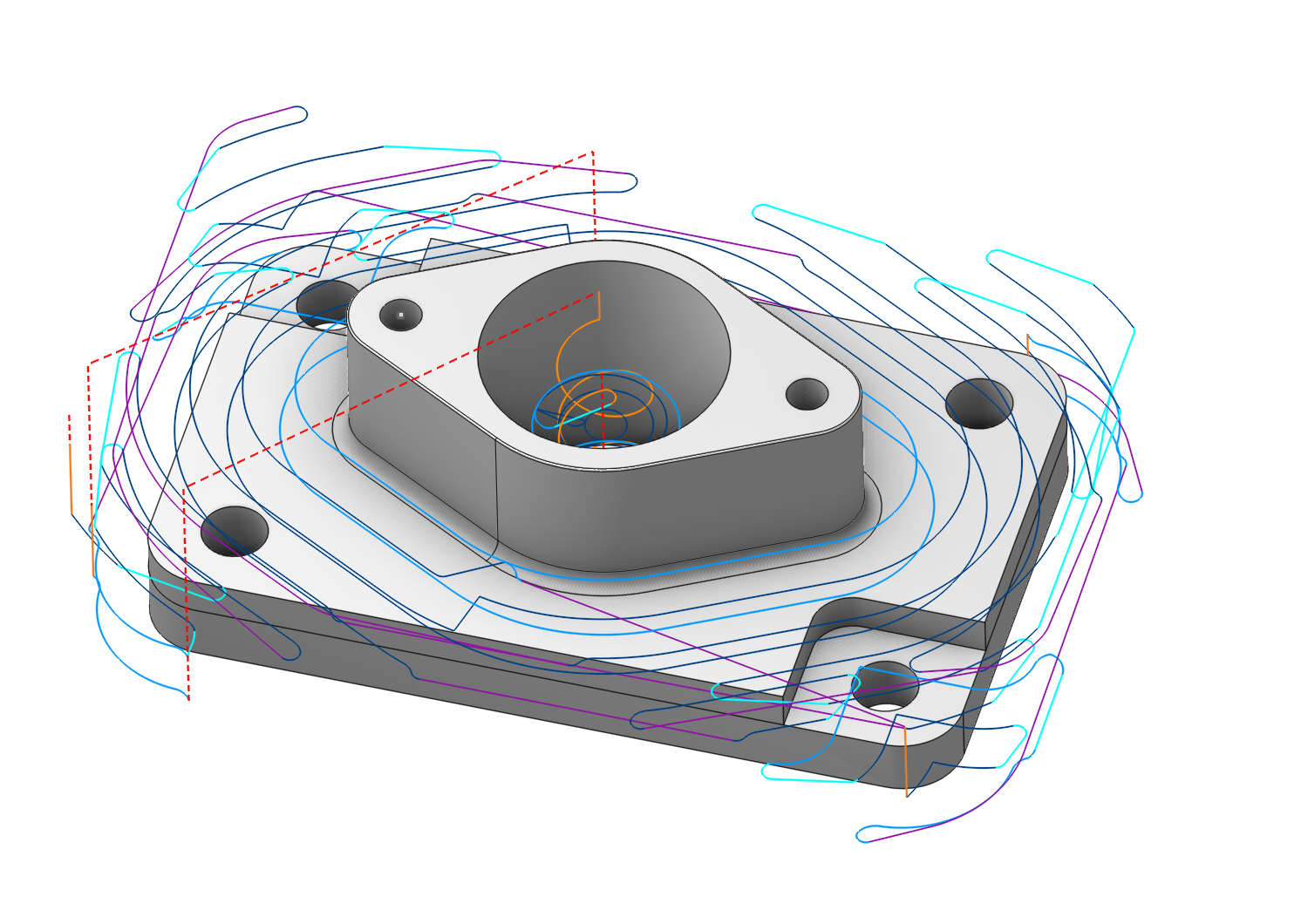
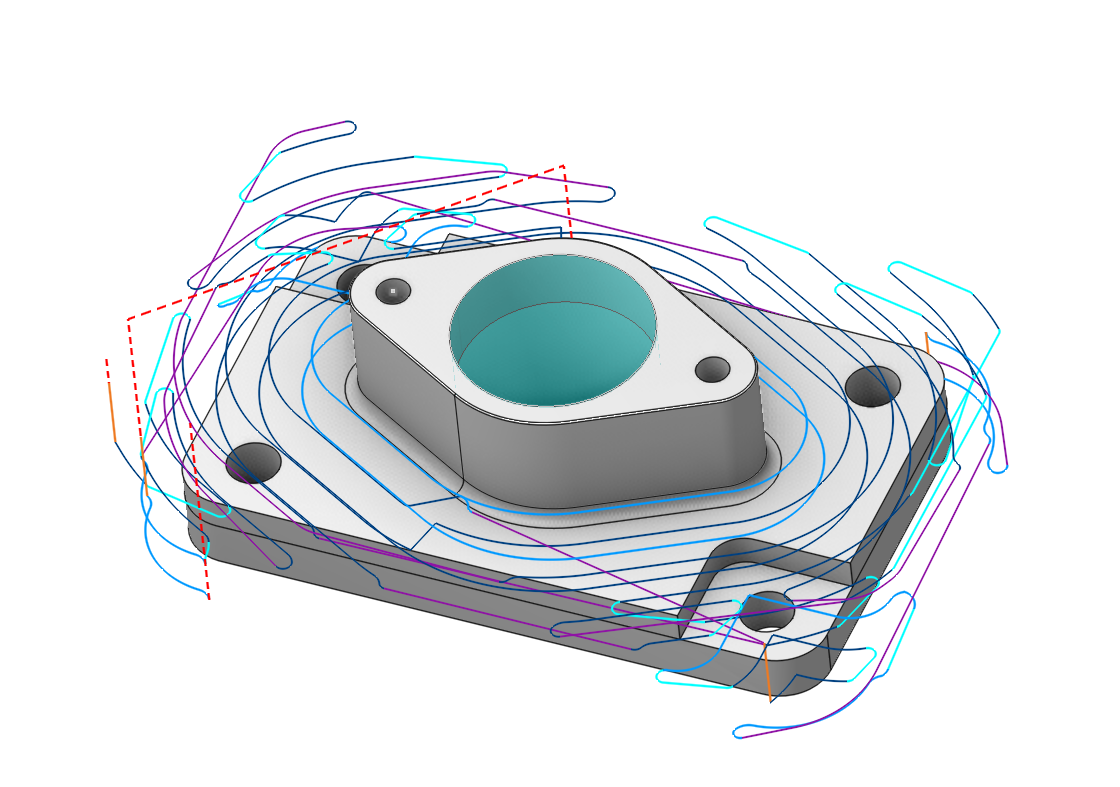
Application Area:
It allows you to restrict areas that should not be machined. A distinguishing feature compared to fixtures (Details) is that these constraints are applied within the scope of a single operation, whereas fixtures are utilized across the entire Setup stage (Details).
Defining restrictions
It is located at the bottom of the Job assignment. Double-clicking it expands this menu for easier geometry definition. Double-clicking it again collapses the section.
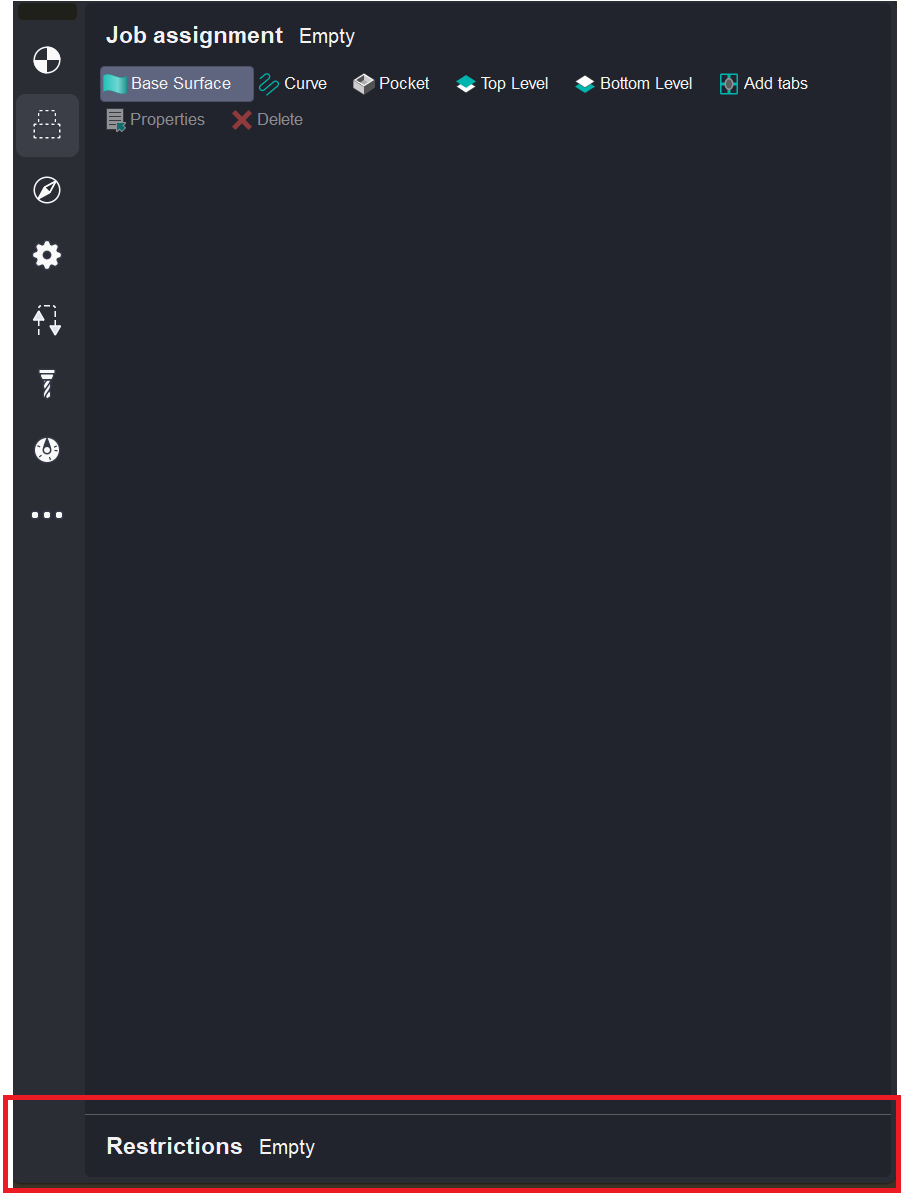
Methods for determining the restrictions are indicated here. Details
Visibility
Visibility is controlled by turning on and off the visibility of the Job assignment visibility.