Editing links in a block
In the inspector, in the Constraints tab, a list of the active element's links is shown.
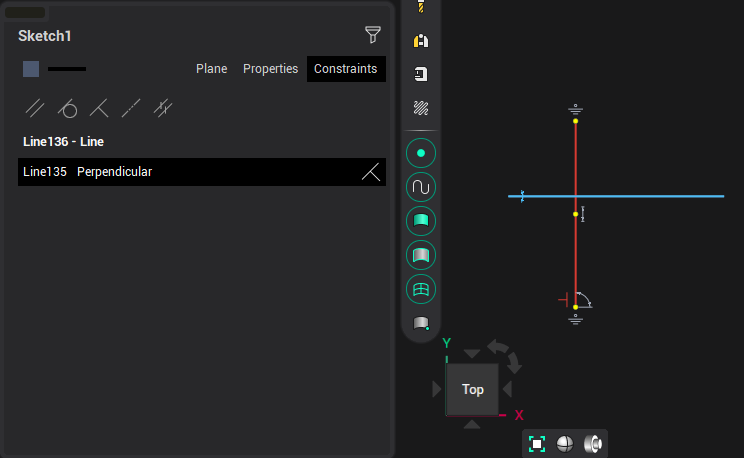
In block mode, you can disable / enable the restriction by clicking on the link image.
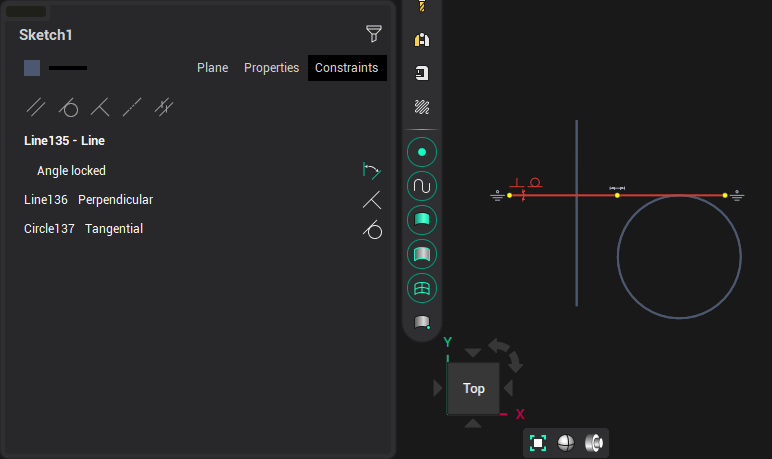
To create links Parallelism, Tangency, Perpendicularity, Coaxiality, Equality in block mode, press the corresponding button and sequentially select a pair of objects.
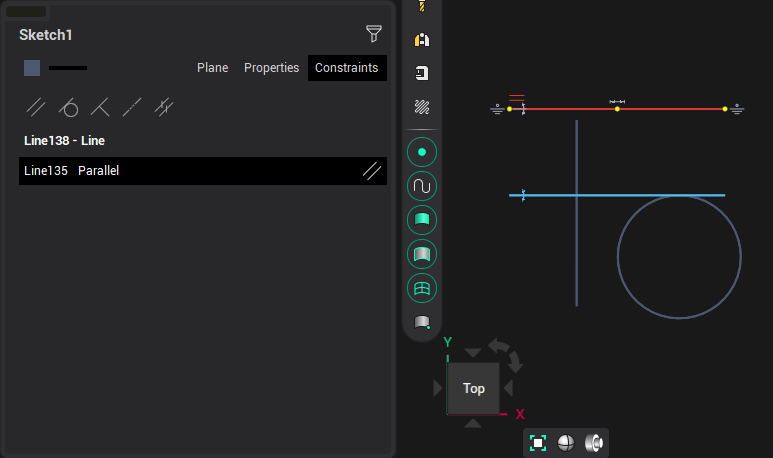
Releasing the button will return the link enable/disable mode. After exiting the block mode, disconnected links are permanently disabled.