Mechanism Simulation and Validation
Select Simulation tab to validate the mechanism's kinematics. Use the trackbar to change the axis coordinates or enter values in the input box manually.
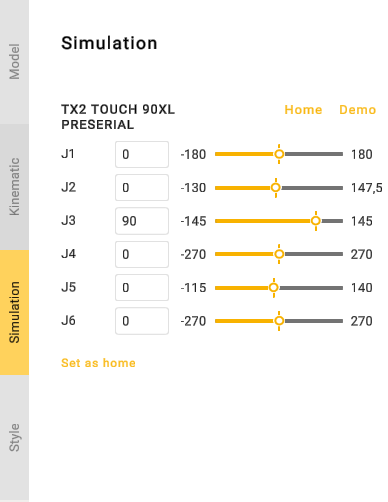
Click Demo button to check all nodes.
Click Home button to return the mechanism to the Home position. Use Set As Home button to save the current mechanism position as Home position.
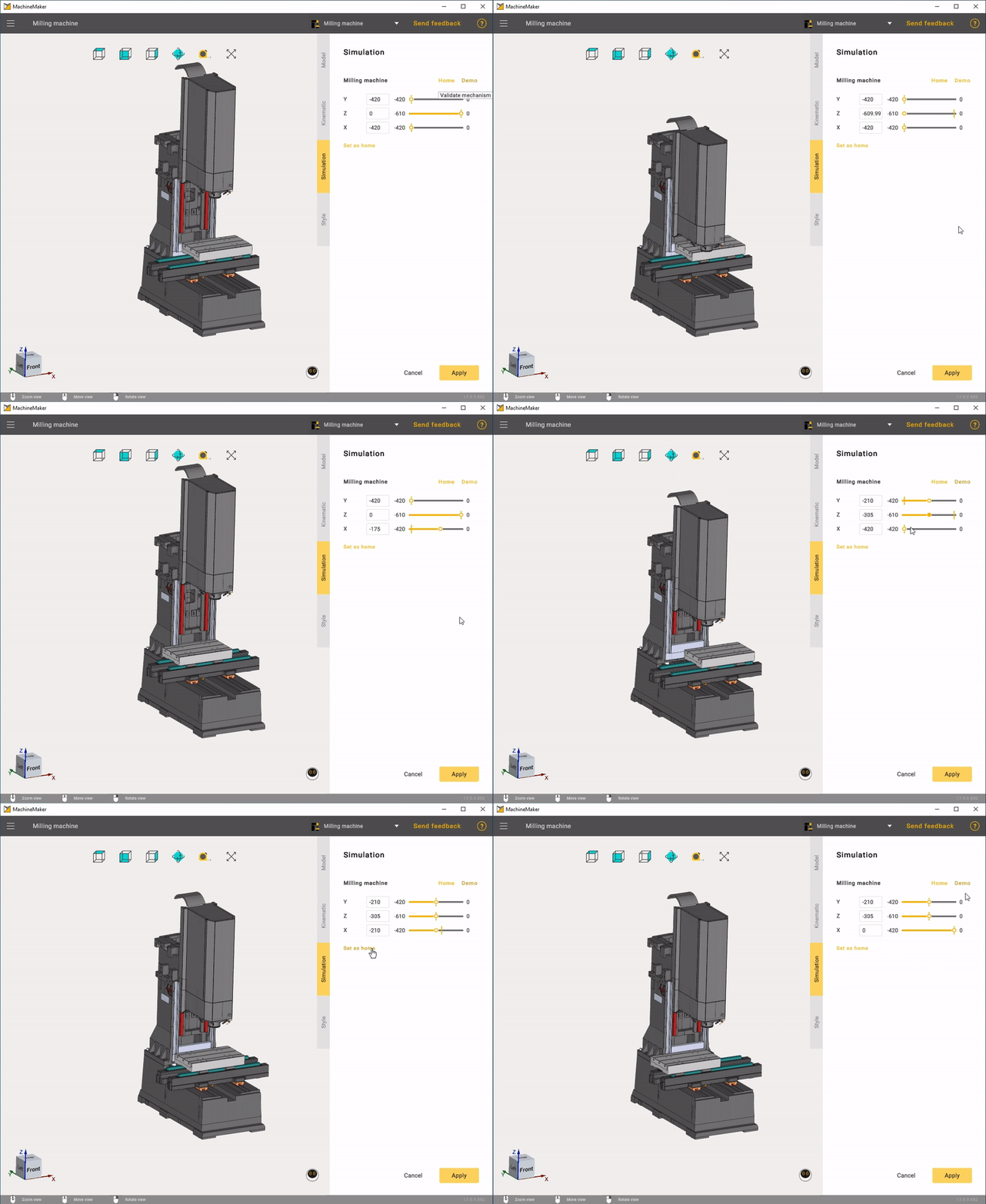
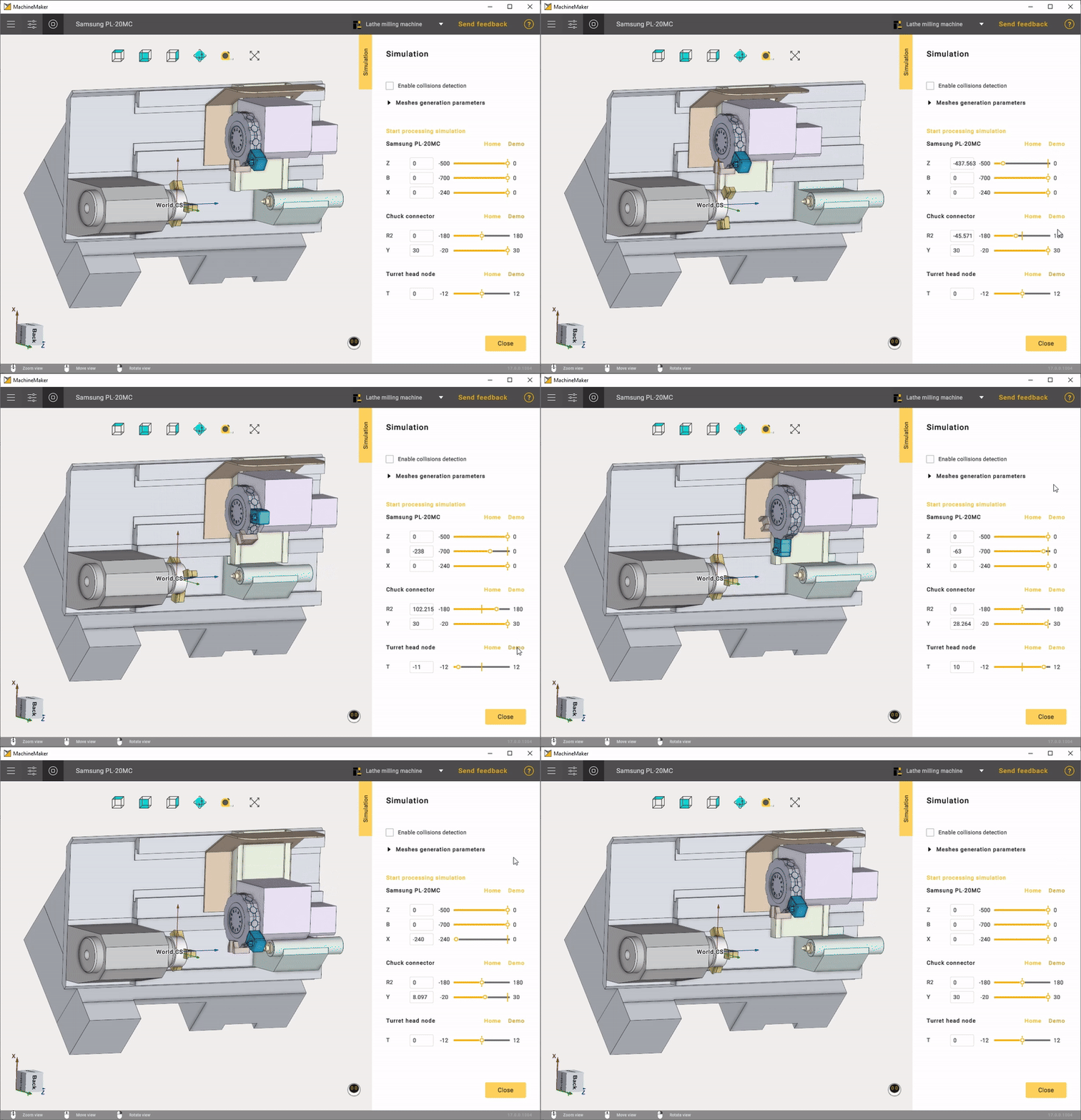
If something looks wrong in the simulation, please check the "Building a kinematic scheme" page of your section: Milling Machines, Robots or Turn-Milling Machines.
If you see nodes collisions, please check the Grouping elements into nodes.
Use  button on the Toolbar to validate whole assembly.