MachineMaker
  • MachineMaker
v3.1.1
Search Results for

    Show / Hide Table of Contents
    • MachineMaker
    • Introduction to MachineMaker
    • Interface
      • Main window
      • 3D navigation
      • Toolbar
      • Application Settings
    • Getting Started
      • Creating a project
      • Adding a mechanism
      • Prepare and import 3D objects
      • Grouping elements into nodes
      • Coloring
      • Mechanism Simulation and Validation
      • Assemblies
      • Mechanisms Library
      • Machine equipment configuration
    • Milling Machines
      • Building a kinematic scheme
      • Assembly options
      • Additional options
      • Examples: Machines
        • 3-Axes Milling Machine
        • 5-Axes Milling Machine
    • Robots
      • Building a kinematic scheme
        • Industrial Robots
        • Cobot
        • Heavy-Duty Robots
        • Flexible Heavy-Duty Robot
        • Tables and Positioners
        • Rails and Portals
        • Composite End effectors
      • Assembly Simulation and Validation
      • Table calibration
      • Receiving assemblies from CAM system
      • Assembly options
      • Additional options
      • Collision
      • Links/Leads
      • End effectors and TCP calibration
      • Examples: Robot cell
        • Simple robot
        • Heavy-Duty robot
        • Flexible Heavy-Duty Robot
        • Cobot
        • End Effectors
        • External Tools
        • Composite End Effector
        • Composite EndEffector: Spot Welding
        • Tables and User CS
        • Rail
        • H-bot (Portal)
        • SCARA Robot
        • Column-type robot
    • Turn-Milling Machines
      • Building a kinematic scheme
        • Chuck connector
        • Tool block
        • Turret head node
        • Dual-row tool turret
      • Multi Tool Head
      • Examples: Lathe milling machine
        • Lathe milling machine
        • Lathe milling machine with a dual-row turret
        • Swiss type machine
    • Simplifier

    Prepare and import 3D objects

    Supported 3D model formats

    • 3dm: Rhinoceros 3D
    • sldprt, sldasm: SоlidWorks
    • par, psm, pwr, asm: Solid Edge
    • stp, step
    • x_t, x_b : Parasolid
    • igs, iges
    • jt
    • OSD
    • STL

    It is also possible to select several files at once. This may be useful if you had split your mechanism and saved each node in a separate file.

    Preparing models

    Many robot manufacturers (such as KUKA, Abb, Fanuc etc.) provide 3D models of their robots which can be used in MachineMaker without any adaptation.

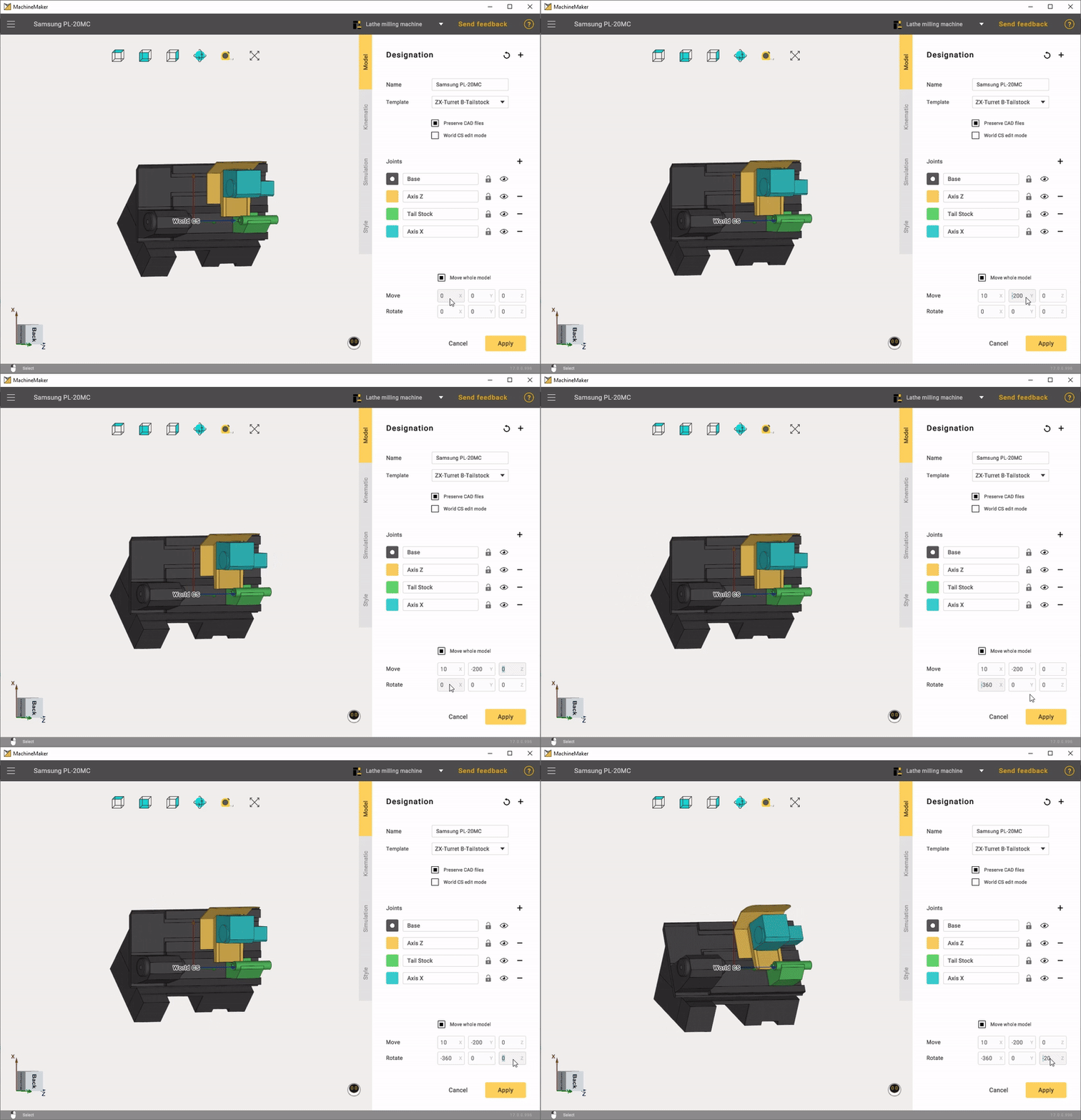
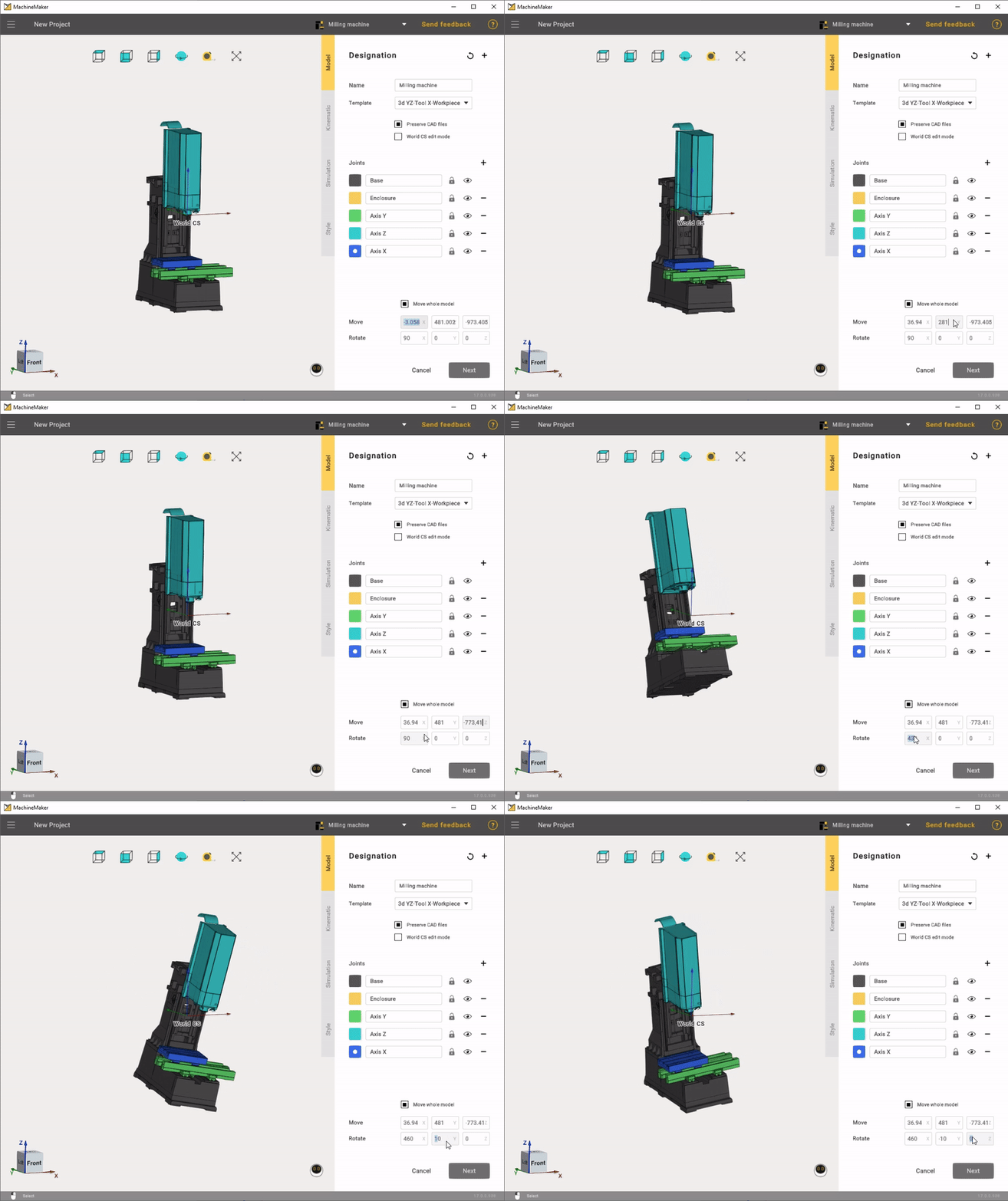
    MachineMaker allows you to make some basic operations with imported 3D models like moving and rotating. Use transformation panel in the lower right corner to transform your 3D models.
    • Milling Machines
    • Robots
    • Turn-Milling Machines

    images/download/attachments/129940210/stanokdvigayou.gif

    Prepare and import 3D objects

    вращениетокарнофрез

    It is possible to move and rotate only the entire 3D model. Please use an external CAD system to make more complex operations with the 3D model.

    We recommend saving mechanism 3D model at HOME (zero) positions.

    Base CS transformation

    It is possible to specify the mechanism's Base Coordinate System using the mouse. Turn on Base CS editing mode then hold down the Left Ctrl key and drag you Base CS into the correct position.
    Prepare and import 3D objects

    3D models simplifier

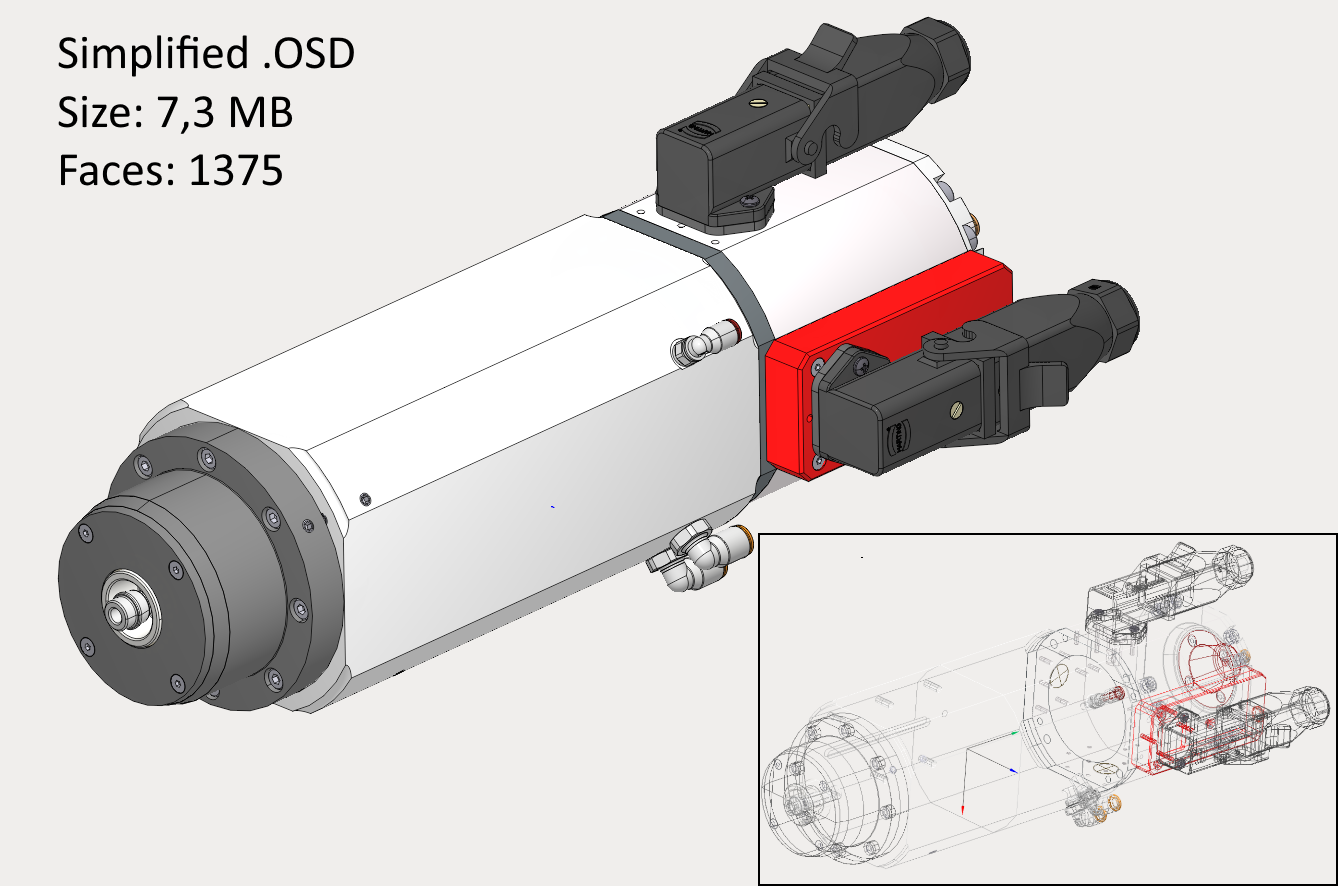
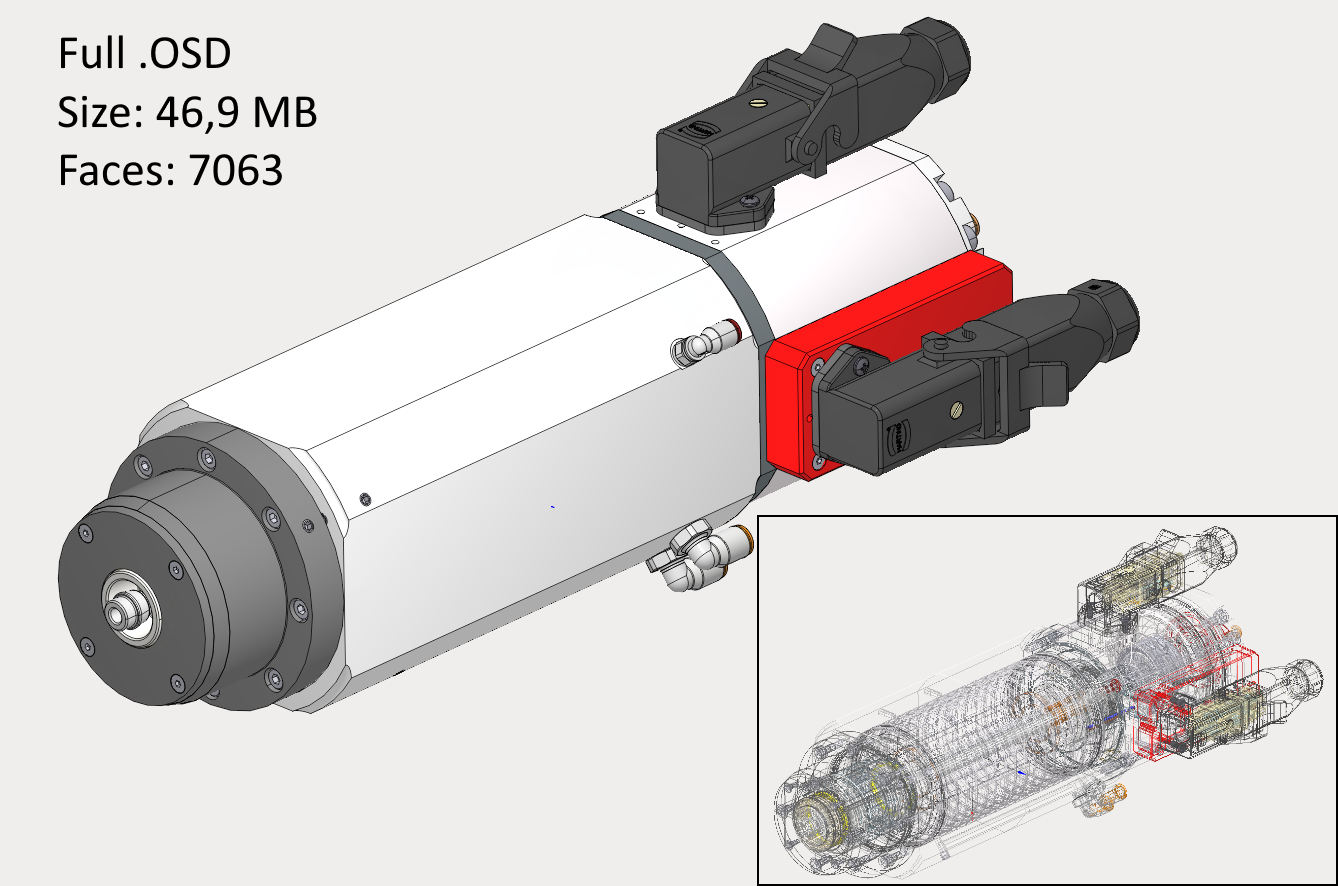
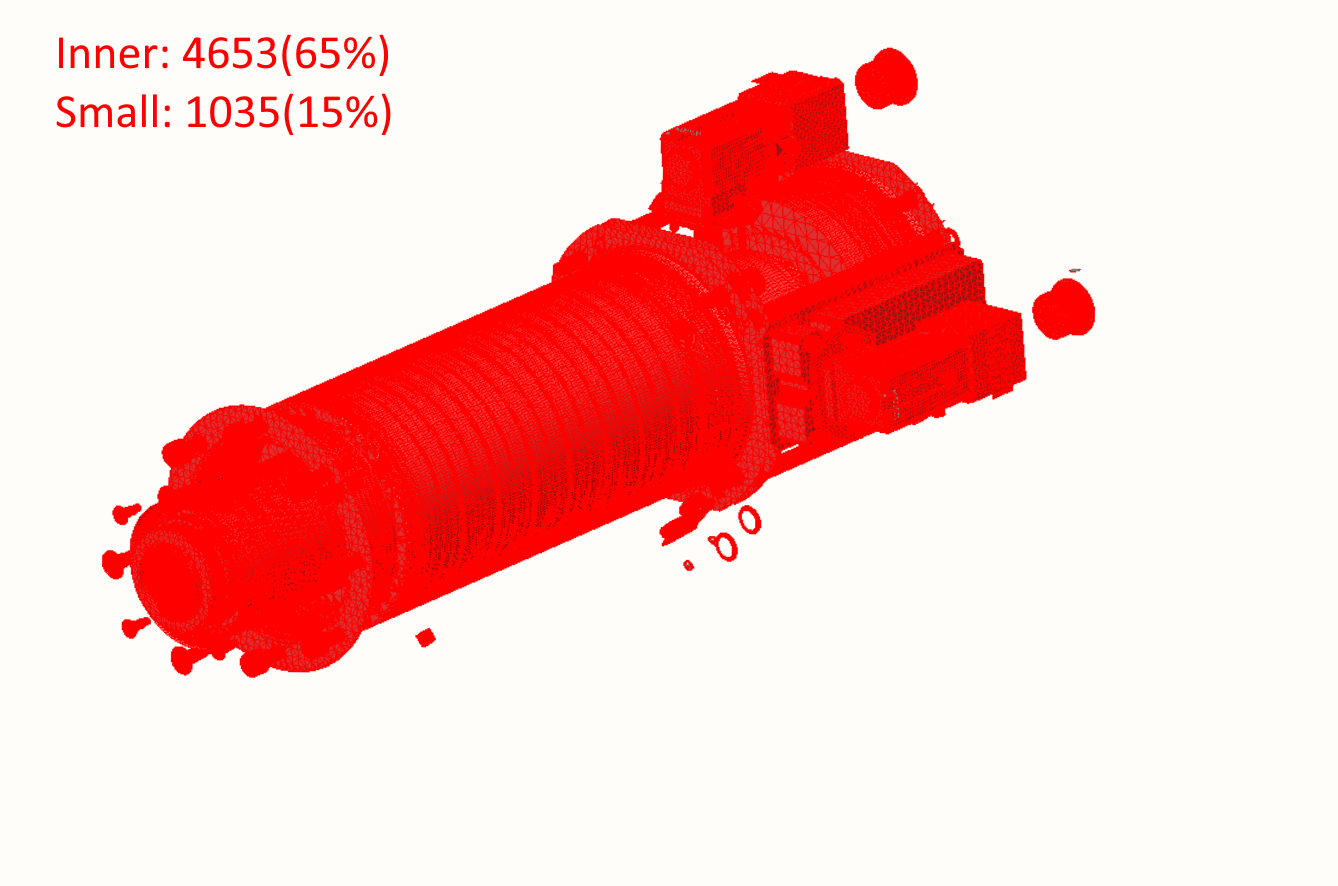
    MachineMaker automatically simplifies imported files. All unnecessary inner faces and small objects will be deleted.
    images/download/attachments/129940210/Screen1.png

    images/download/attachments/129940210/image2021-5-8_13-27-1.png

    images/download/attachments/129940210/Screen3.png

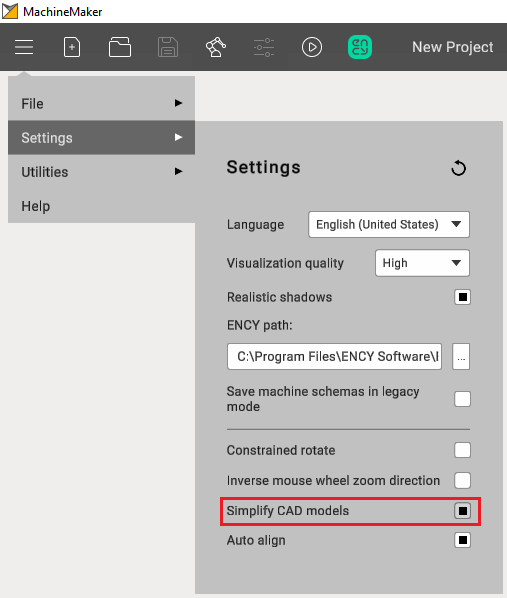
    You can disable the simplifier in the application settings. Or use the integrated simplifier manually.
    images/download/attachments/129940210/image2024-8-13_9-54-8.png

    In this article
    Back to top MachineMaker