MachineMaker
  • MachineMaker
v3.1.1
Search Results for

    Show / Hide Table of Contents
    • MachineMaker
    • Introduction to MachineMaker
    • Interface
      • Main window
      • 3D navigation
      • Toolbar
      • Application Settings
    • Getting Started
      • Creating a project
      • Adding a mechanism
      • Prepare and import 3D objects
      • Grouping elements into nodes
      • Coloring
      • Mechanism Simulation and Validation
      • Assemblies
      • Mechanisms Library
      • Machine equipment configuration
    • Milling Machines
      • Building a kinematic scheme
      • Assembly options
      • Additional options
      • Examples: Machines
        • 3-Axes Milling Machine
        • 5-Axes Milling Machine
    • Robots
      • Building a kinematic scheme
        • Industrial Robots
        • Cobot
        • Heavy-Duty Robots
        • Flexible Heavy-Duty Robot
        • Tables and Positioners
        • Rails and Portals
        • Composite End effectors
      • Assembly Simulation and Validation
      • Table calibration
      • Receiving assemblies from CAM system
      • Assembly options
      • Additional options
      • Collision
      • Links/Leads
      • End effectors and TCP calibration
      • Examples: Robot cell
        • Simple robot
        • Heavy-Duty robot
        • Flexible Heavy-Duty Robot
        • Cobot
        • End Effectors
        • External Tools
        • Composite End Effector
        • Composite EndEffector: Spot Welding
        • Tables and User CS
        • Rail
        • H-bot (Portal)
        • SCARA Robot
        • Column-type robot
    • Turn-Milling Machines
      • Building a kinematic scheme
        • Chuck connector
        • Tool block
        • Turret head node
        • Dual-row tool turret
      • Multi Tool Head
      • Examples: Lathe milling machine
        • Lathe milling machine
        • Lathe milling machine with a dual-row turret
        • Swiss type machine
    • Simplifier

    Introduction to MachineMaker

    MachineMaker is a standalone application which allows you to create robot cells and CNC machines for CAM system.

    Latest version of MachineMaker carries robots from the following OEMs: ABB, Annin, AUBO, Borunte, Comau, Dobot, Doosan, Efort, Eidos, Epson, EVS, Fanuc, Han's, Hyundai, IIMT, Jaka, Kuka, Kawasaki, LNC, Mitsubishi, Motoman, Nachi, Newker, Regal, Siasun, Staubli, STEP, Tormach, uFactory, Universal, Simple.

    You can launch MachineMaker directly from the CAM system utilities menu.
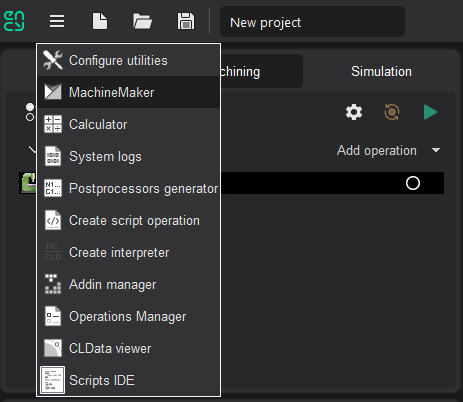
    images/download/attachments/128546572/image2024-8-3_9-29-32.png

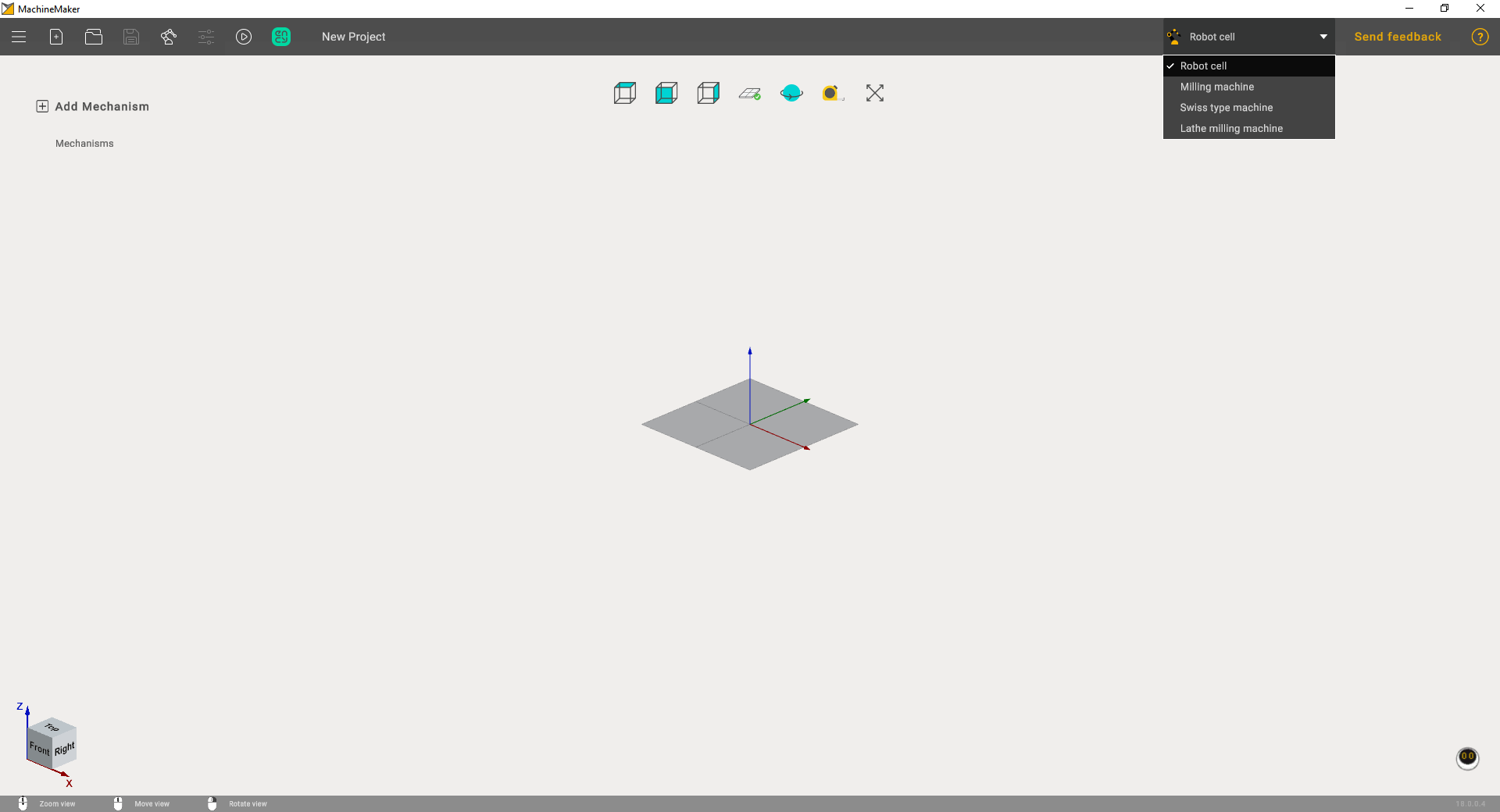
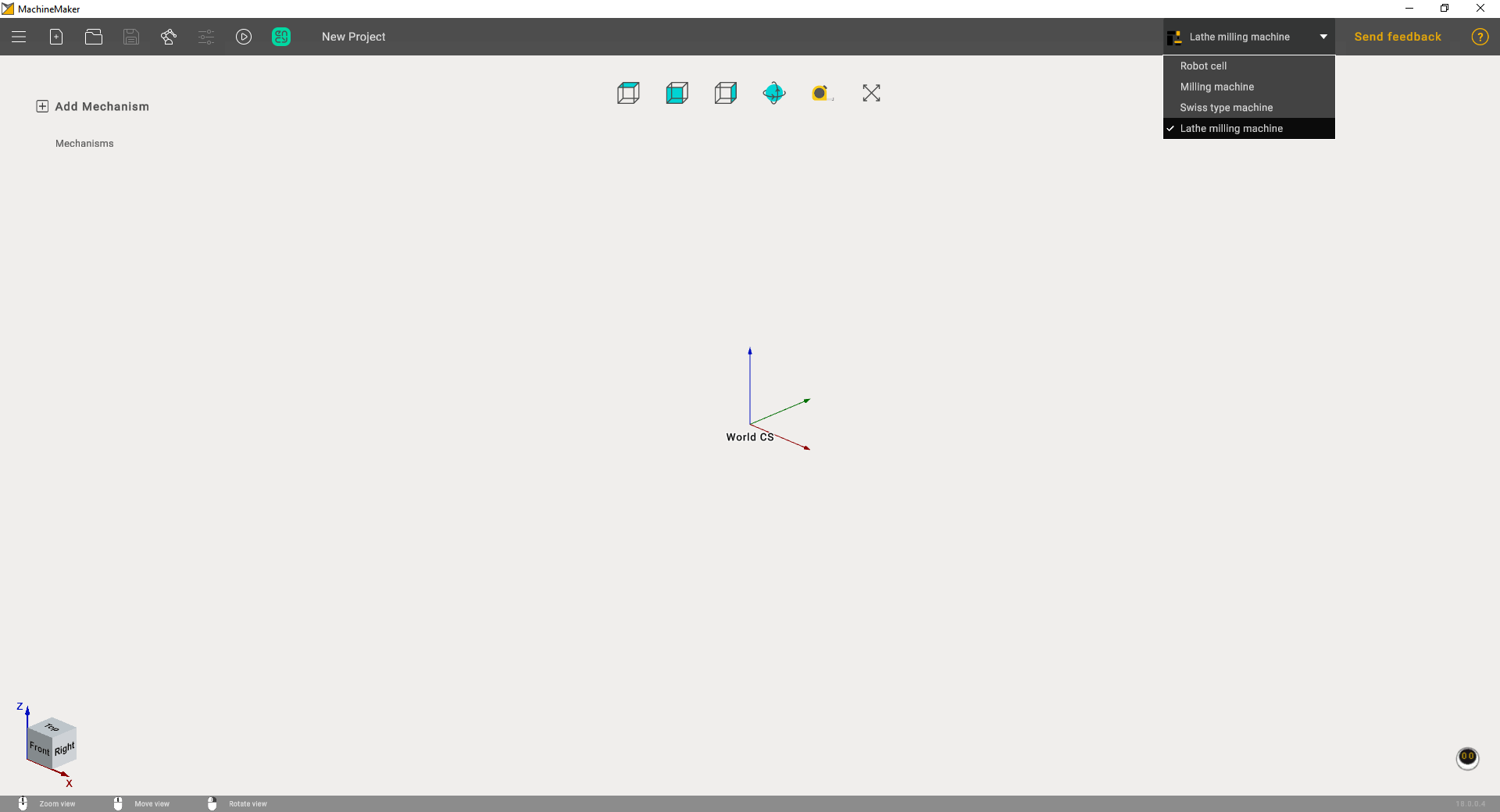
    Next, it is necessary to select the correct application context using Application Mode Selector.
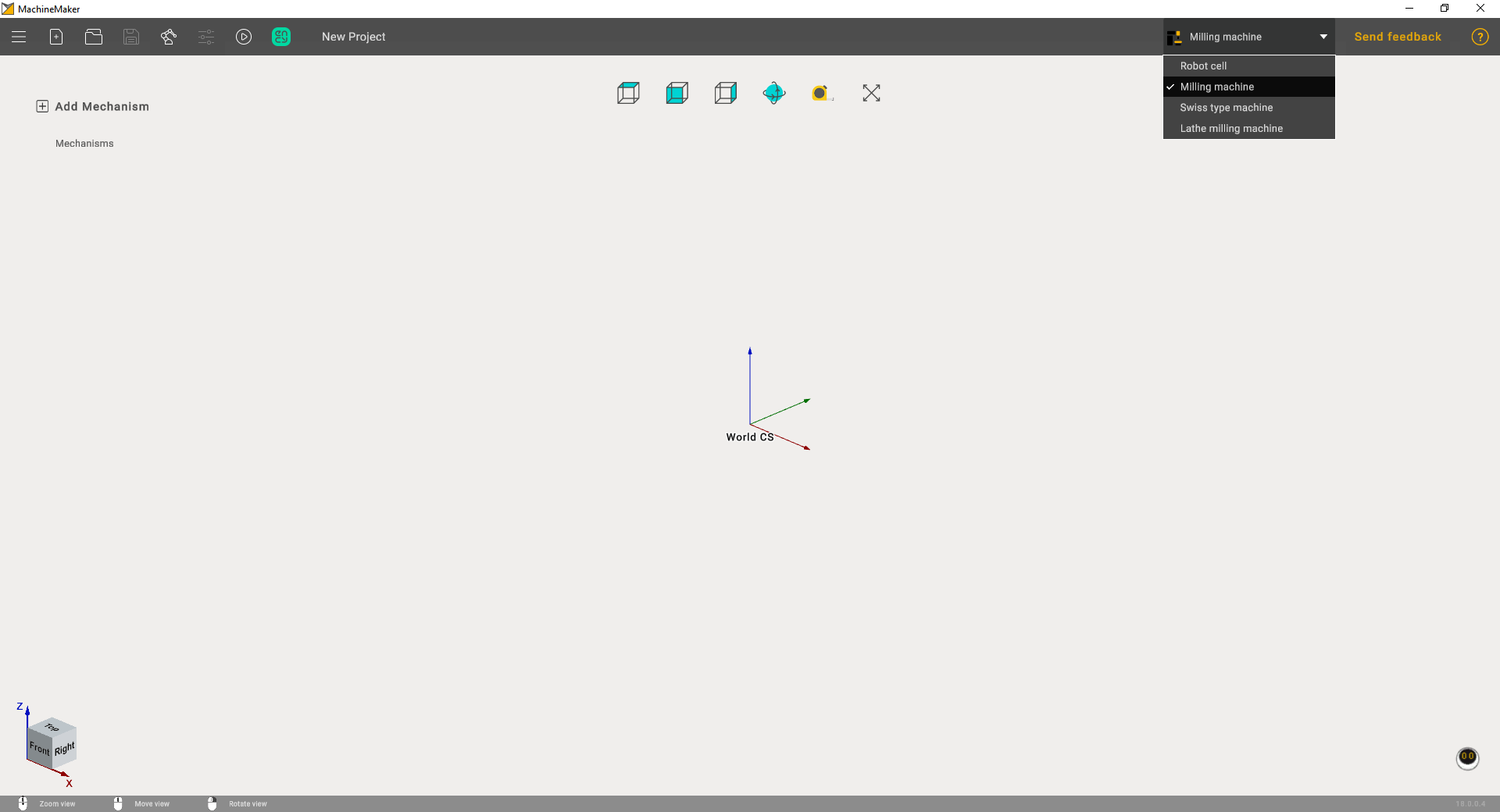
    • Milling Machines
    • Robots
    • Turn-Milling Machines

    images/download/attachments/128546572/image2024-8-3_9-31-35.png

    Introduction to MachineMaker

    image2024-8-3_9-32-0

    The common steps are described in Interface and Getting Started. Building the kinematic scheme, assembly settings and examples are described in the sections Milling Machines, Robots and Turn-Milling Machines.

    In this article
    Back to top MachineMaker