Coordinate system control panel
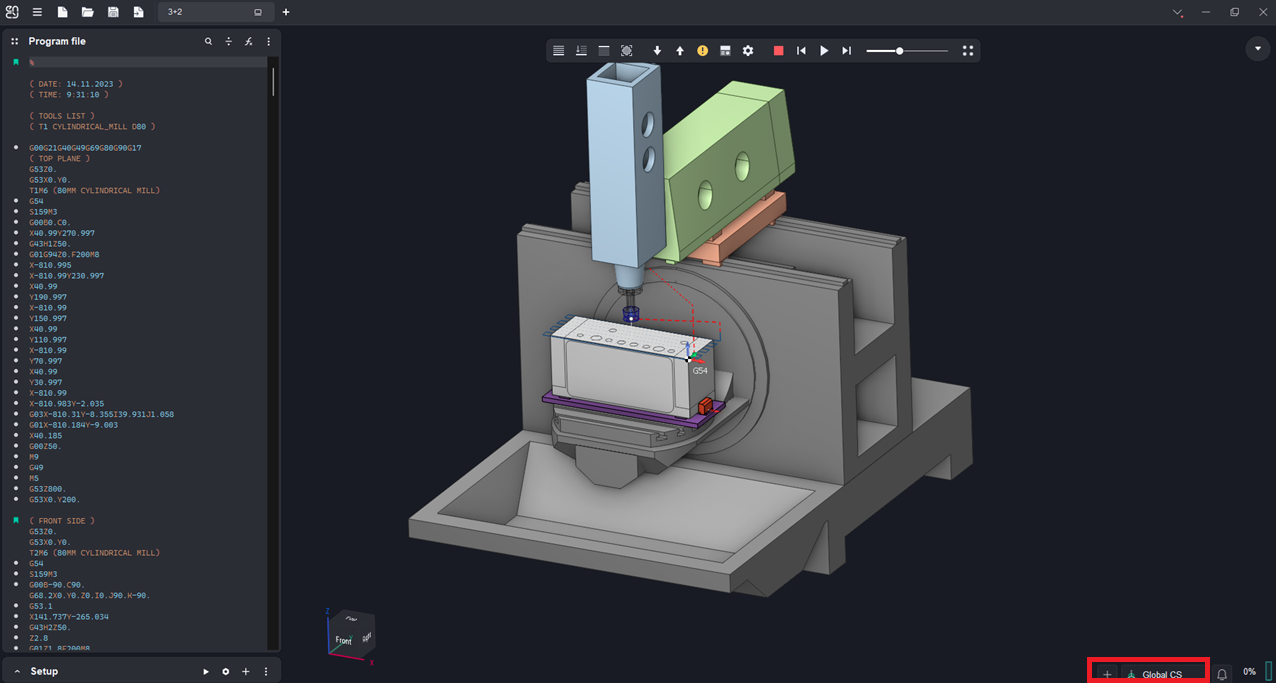
Application Area:
It is possible to create any number of local geometrical coordinate systems (CS) to make the machining process generation more convenient. They can be useful when setting up a local coordinate system for defining a Workpiece Setup or Workpiece CS in the Setup tab. Coordinate systems management panel located in the lower side of the main window. The basic principles for working with coordinate systems are the same as in a CAM system. See more.
Coordinate Systems List:
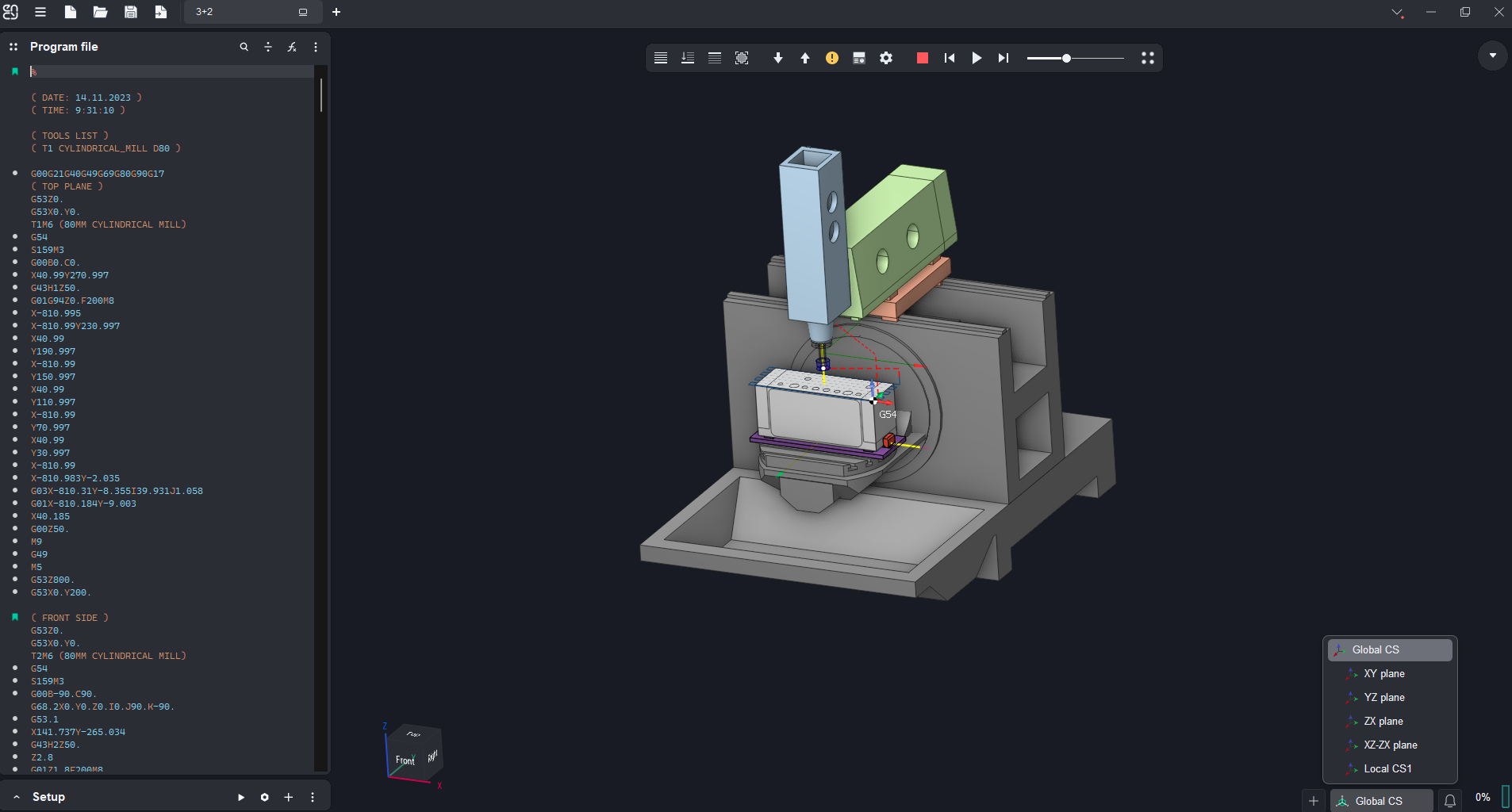
You can view existing coordinate systems in the project and select the active one. There is a concept of an active coordinate system. Only one CS can be active at the moment, its name is displayed on the panel. Some features of the system take into account the active coordinate system, for example, the overall dimensions of geometric objects are shown in this CS.
Click on the name of the CS in the panel to open the list of CS and change the active one.
Creating and Editing Coordinate System:
The button next to the name of the CS has a drop-down menu in which the possible actions on coordinate systems are collected.
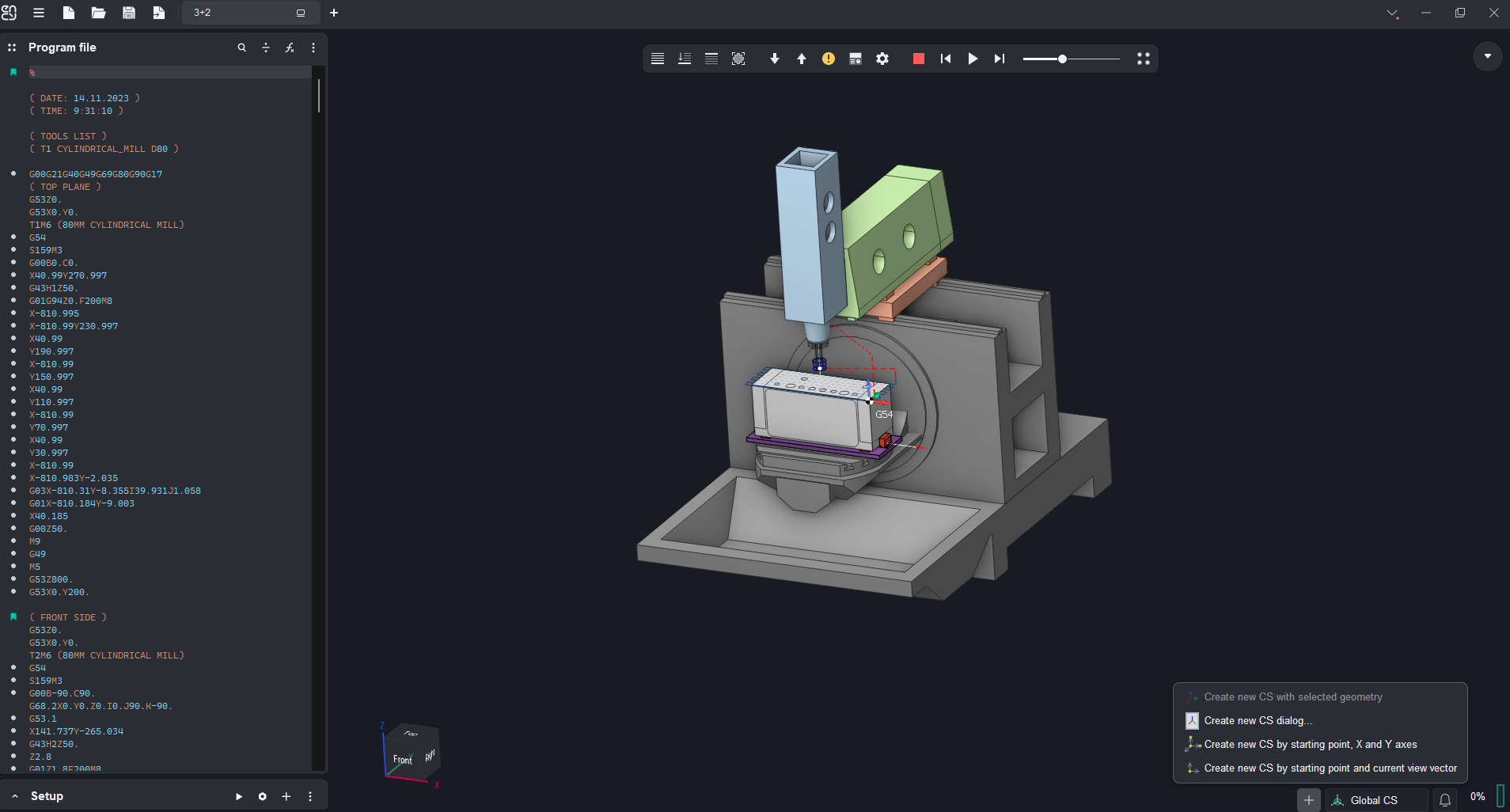
Create new CS with selected geometry. When you select any design feature that has an origin or an axis or both in the graphic view, then the system will automaticall create new local CS, based on this entity .

Create new CS dialog... Opens a window where you can directly set the parameters of the new CS. If at the time of the click any geometric element is selected, then the window does not open, but the procedure of smart CS creation starts.

Create new CS by starting point, X and Y axes. The new coordinate system is defined interactively by the origin point and two leading vectors X and Y.

Create new CS by starting point and current view vector. The new coordinate system is defined interactively by the origin point and the current view vector.