Main menu
Application Area:
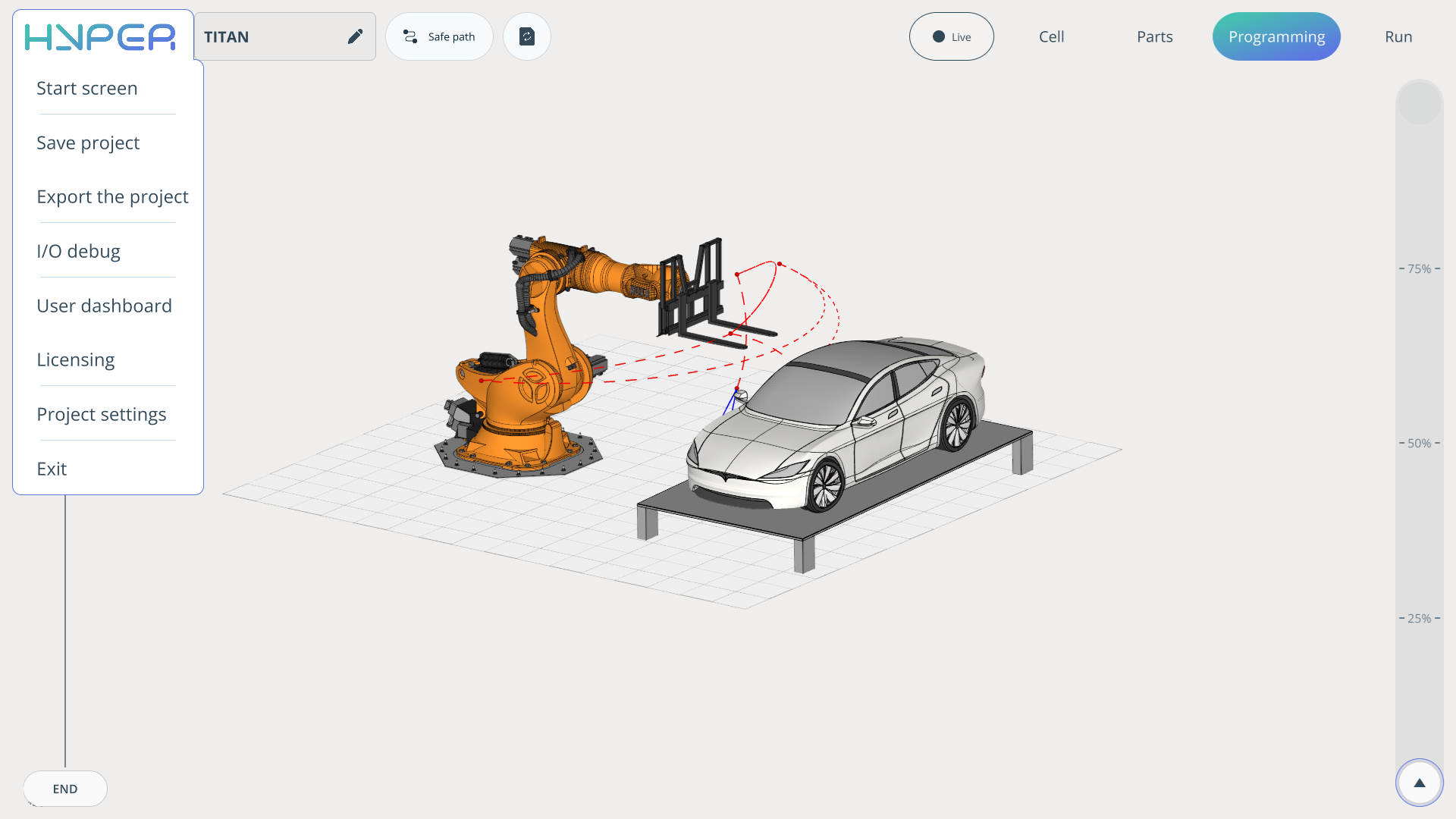
The main menu in the Hyper application includes all the necessary functions for a comfortable user experience, ranging from simple information tabs to full project settings.
Start screen. It returns you to the home page where the projects are stored.
Save project. Saves the current project.
Export the project. Packages your project into a convenient .zip file.
I/O debug.
User dashboard. A menu tab that shows how to create a new local profile and which profile you are currently connected through.
Licensing. Shows how many days your license will remain active.
Project settings. Includes all project settings.
Exit. Closes the application.