Project library
Application Area:
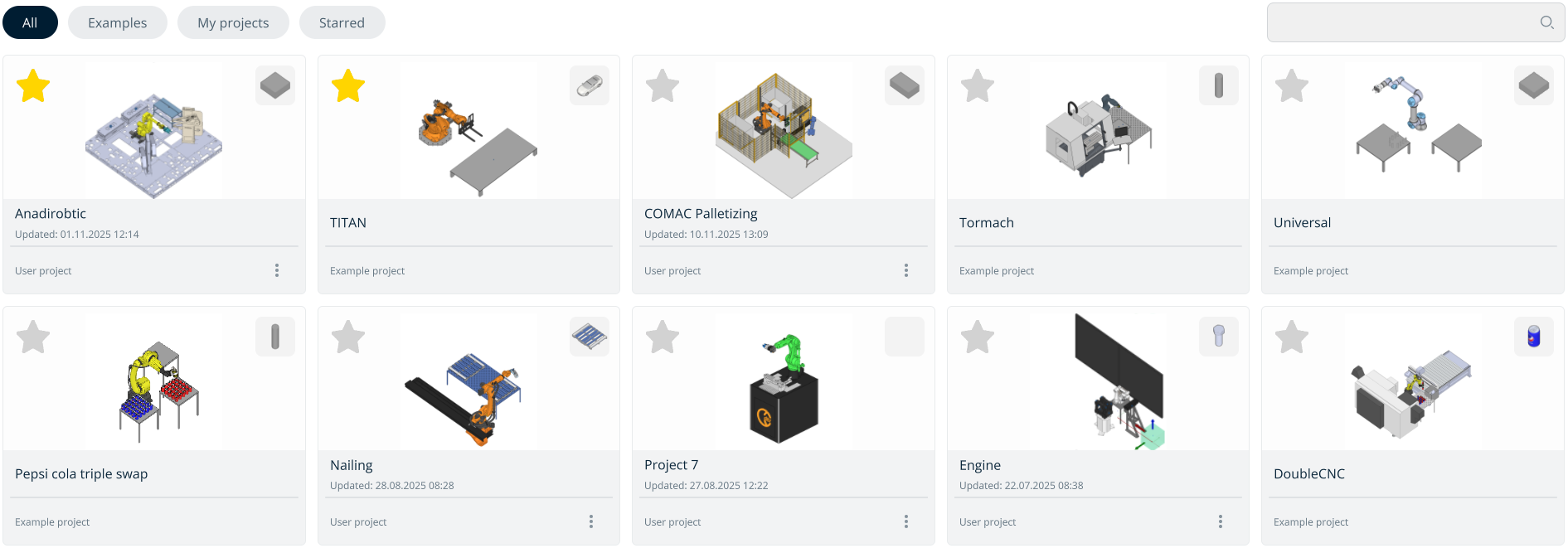
Project library for storing and accessing projects.
Buttons located at the top of the screen:
All. Displays all projects combined.
Examples. Contains all default projects preinstalled with the application.
My Projects. Includes all user-created or imported projects.
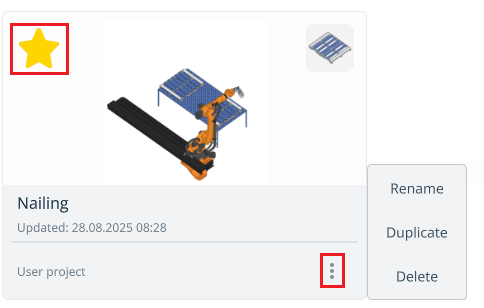
Starred. Shows favorite projects marked with a star.
Navigating the Project Library.
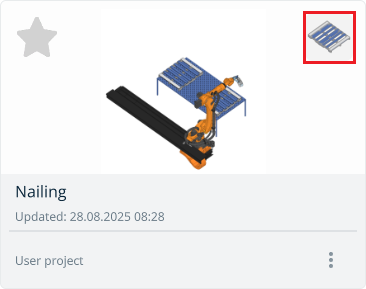
The image located at the top-right corner of the project window displays the workpiece being processed.
User projects have a three-dot menu for:
Edit the project name;
Duplicate the project;
Delete the project.