File control panel
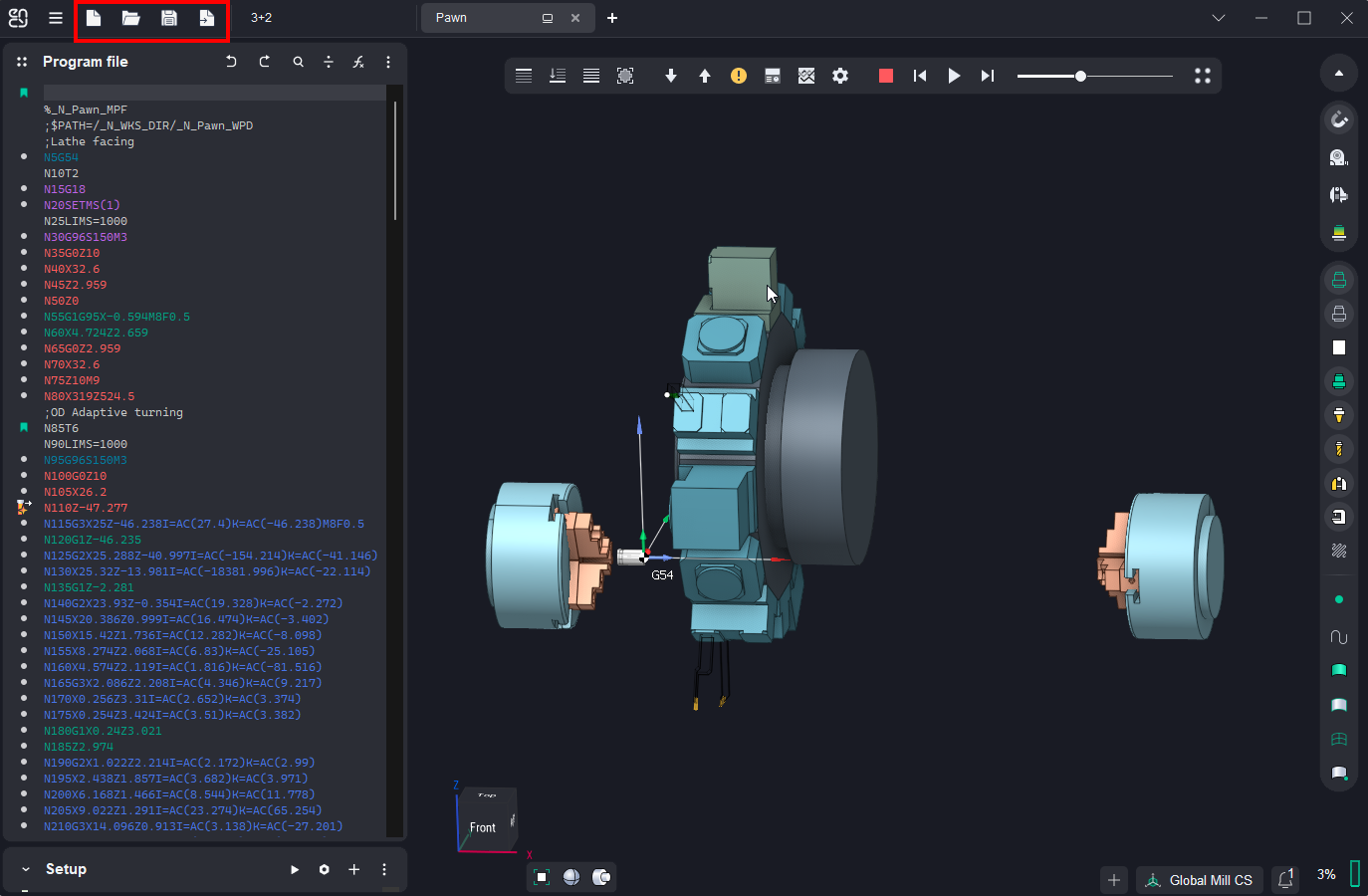 Application Area:
Provides tools for creating, opening, and saving project files in various formats.
Toolkit:
New.
Manages the creation of new projects.
New Project. Creates a new project in the current tab.
New Project from Machine Setup File. Creates a new ENCY Tuner project based on a machine setup file. Clicking the button opens a dialog box to choose a machine setup file with a .stms extension.
New Project from Machine Setup File in New Tab. Creates a new ENCY Tuner project based on machine setup file in a new tab.
Open.
Controls the opening of existing project files. Opening ENCY Tuner or CAM system projects automatically loads the associated interpreter and post-processor. If the CAM system project included a post-processor, the NC code panel generates the control program automatically. The list of recently opened files appears below the primary open buttons, displaying the project name and its location on the computer.
Open Project. Clicking the button opens a dialog box to choose an ENCY Tuner project file with a .snct extension. The project will appear in the current tab.
Open Project in New Tab. Clicking the button opens a dialog box to choose an ENCY Tuner project file with a .snct extension. The project will appear in a new tab.
Project Library. Enables retrieval of project samples from the web library. The working principle is analogous to the CAM system’s approach. See more.
Import Machine Setup. Clicking the button opens a dialog box to choose a machine setup file with a .stms extension. The configuration, tools, fixture, and machine specified in the selected setup file will be applied to the current project.
The recently opened files list is available in the open group. Selecting a file name via click opens it in the current tab. Mouse-over action on the file name triggers a menu display:
Open Project in New Tab. The selected project opens within a new tab space.
Show File in Explorer. Windows Explorer launches showing the folder where the chosen file resides.
Save.
Manages the saving of projects.
Save Project. Saves the active project file with a .snct extension.
Save as. Saves the active project file under a different name.
Export machine report. System is contain build in the machining report feature. The result machine report can be edited by the any text editor supported .odt format. The result report document can be saved in the ODT or PDF format (PDF need the internet connection). The application to open the result machining report is defined in the setup window. See more
Save as Machine Setup. Saves the active project file in the machine setup file format with a .stms extension.
Save simulation result. The function saves the simulation result to an STL file. Save the simulation result that is on the screen to the file. Input the exported file name in the STL format. The file you will get can be used as a workpiece in the another project or in the any software that can import STL file format.
Export NC-code.
Export full NC programm. See more.